
Delidding Intel Ivy Bridge and Haswell: A How To [Pictures included]
You you’re nearly finished delidding. When you are finished with your blade work, take the PCB firmly in one hand and the heat spreader in the other. Essentially this will be like holding an Oreo (or whatever brand of sandwich cookie you wish). As you would pull apart the Oreo with a careful twist, do the same with your CPU. The top should be willing to come off after just 15 degrees of rotation. Now that you have it open, it could look a bit messy.
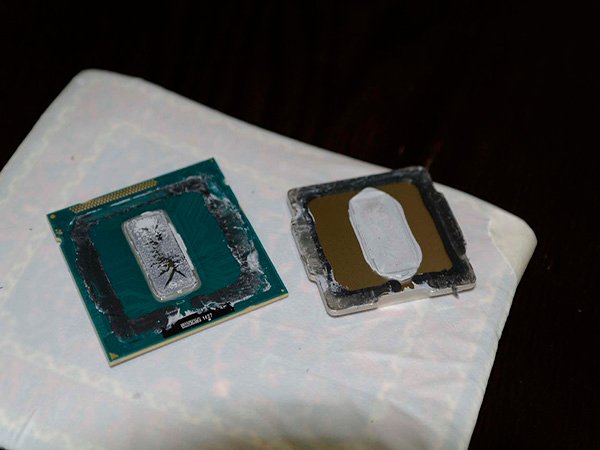
Post delidding
My PCB was particularly messy after the delidding process. I had too much residual thermal compound smashed into the edges of the heat spreader from using too much TIM in the past and using blunt Q-tips (Hence my recommendation of precision tip Q-tips). Nevertheless, It was very easy to clean up the mess and get the CPU die cleaned up too. You should start by take the metal heat spreader you removed and wiping it down on the inside before scraping the black residue out of it with your fingernail. Then do the same with the PCB and make sure to get all the black material up.
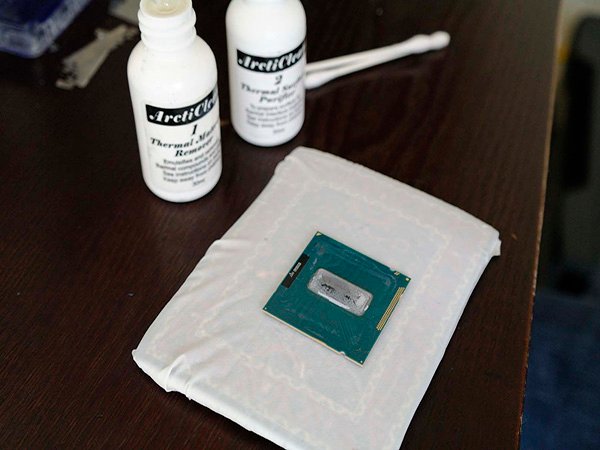
About to get a bath
Then get out the ArctiClean bottles again (or your alcohol if you chose that route). Put about 3 drops on the CPU die from bottle #1 and let it sit for 30 seconds. Take a cotton swab and very carefully wipe the paste off in one direction. You should take tremendous care with the CPU die.
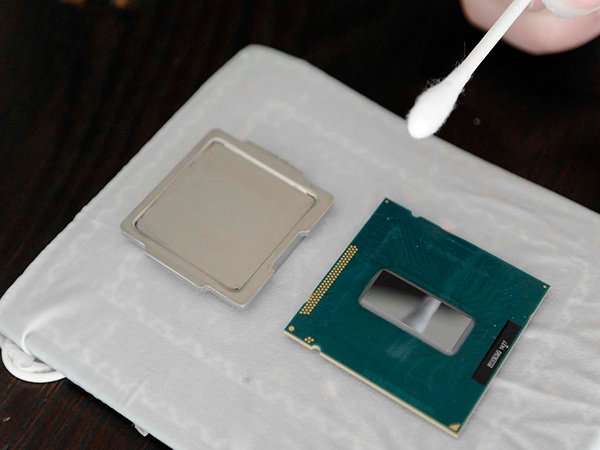
The final wipedown
After you clean it all up it should look something like this, it doesn’t have to be perfect. You only need to make sure that the inside middle of the heat spreader and the CPU die are both sparkling clean. Once that is all sorted, we’re going to get out our Coollaboratory Liquid Pro or Ultra and our Arctic Cooling MX-4 (or your choice of external TIM).
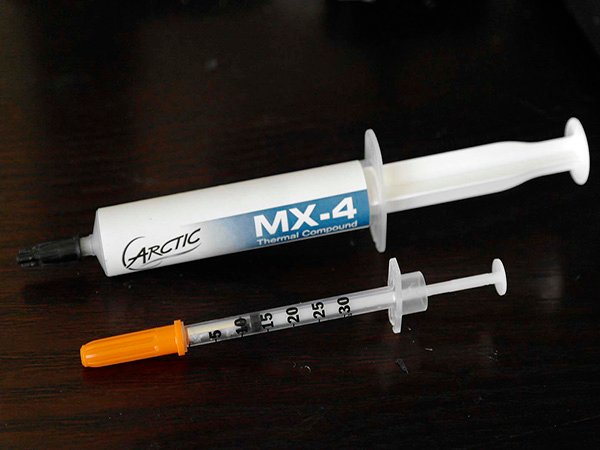
Bring out your TIM
If you are using:
- Coollaboratory Liquid Pro – Purchase some plastic wrap from the local grocer if you don’t already have some laying around somewhere. Wrap a Q-tip in the plastic wrap so that the cotton fibers aren’t exposed. Take the Coollaboratory syringe and apply a long even blob of the metal down the center of the CPU die. Then, use the Q-tip with the wrapped end piece to spread it from the center to the edges. It might take a bit more effort than you anticipated, don’t say I didn’t warn you.
- Coollaboratory Liquid Ultra – Use the included spreader. Take the Coollaboratory syringe and apply a long even blob of the metal down the center of the CPU die. Then spread it from the middle outward to the edges until the CPU die has full coverage.