
A Look inside the Fractal Design Arc Midi R2 Case
As you can see for a case this size you can do different things to accommodate the largest graphics cards and PSUs into this mid tower case. The Arc Midi R2 has a lot of room in it for its size. Next I want to go over the case with some pictures we took actually doing a build in the case.
Dorkstar and I were trying to figure out the best way to find out how much we either like or dislike this case and how easy or hard you could do a build. So the logical step was to go ahead and do a build in it. I didn’t use a full size ATX board but a micro ATX to see how much space was in this case. So here is are the pictures showing off the Arc Midi R2 Case.
Fractal Design Arc Midi R2 Case
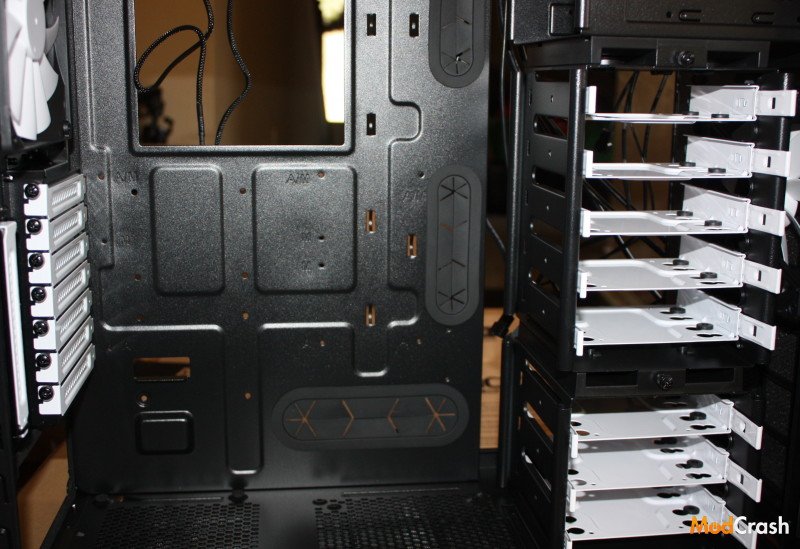
With this picture i wanted to show the case bare. It has nothing in it except the silent R2 fans that Fractal has included. As you can see the side panels are off to see just how the inside looks. I have to say I was impressed with the inside. It looked to have plenty of room and all the mounts and bays that normally you would think only come with ultra and full towers. Overall it has 10 different bays for 2.5″ drives or 8 for 3.5″. You do not need anything other than screws that came with your hard drive or SSD, but Fractal has also provided some screws for you to use if you do not have them. The final thing about the hard drive cages is that both of them can removed with simple thumb screws.
Fractal Design Arc Midi R2 Case
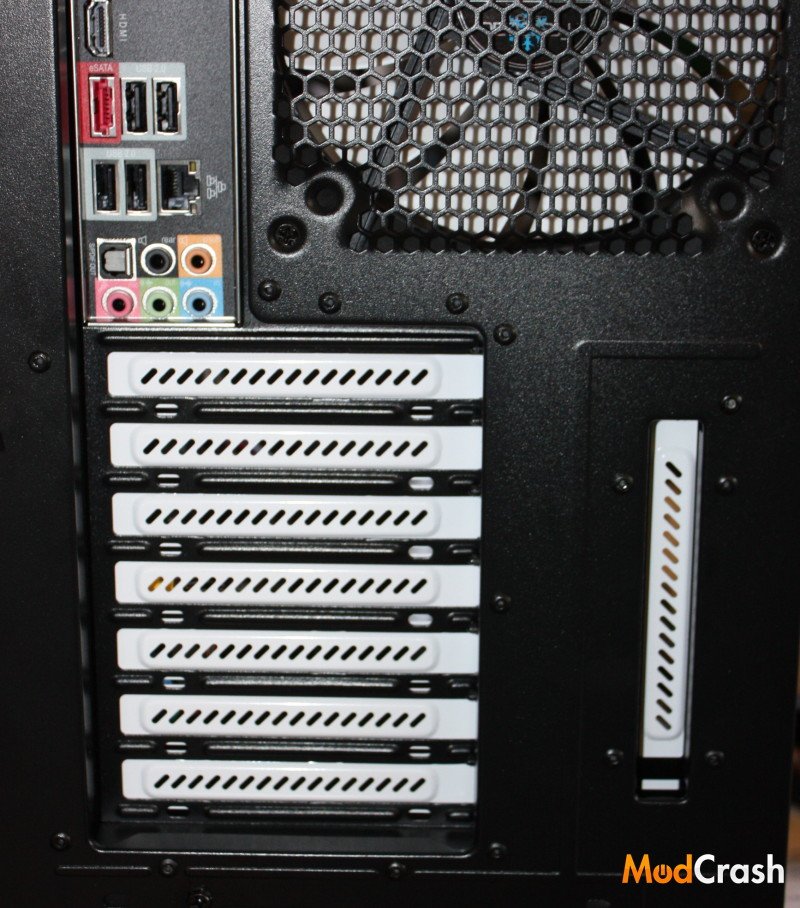
As you can see it has a nice color scheme with everything black but the fans and expansion bay slot covers. If you aren’t using them like you might not with using an APU then it wouldn’t be a big deal but I could see someone not liking it when they put in a sound card or graphics card. Like I said since you most likely won’t see the back of the case it shouldn’t be a big deal.
Fractal Design Arc Midi R2 Case
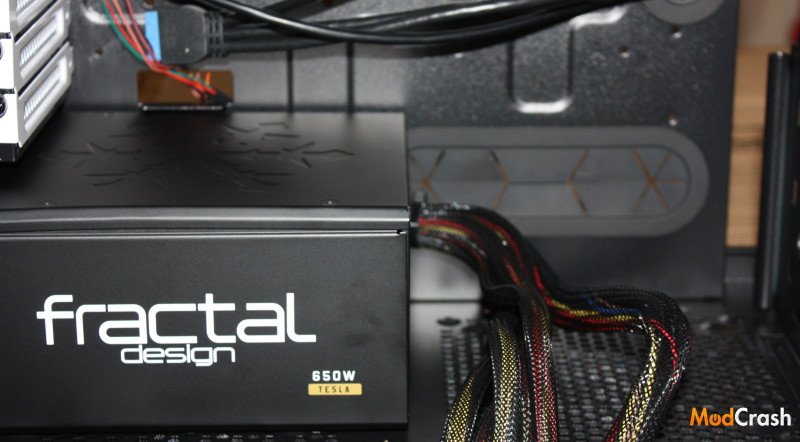
The point of this picture is to give you an idea of the space at the bottom of the case. As you see I have a Fractal Design Tesla R2 650W PSU which measures about 165 mm long which is about the minimum you can have if you plan on using a fan at the bottom but it is a normal size PSU also. You can also see from the first picture on the page and this one that all the cable management holes have rubber grommets on them to help keep air where it needs to be and not escaping behind the motherboard. Although if you did like I did and removed the top HDD cage then its hard to stop that from happening but regardless it is still nice to have them since they help keep control of the all the cables you will have running in and out.
Fractal Design Arc Midi R2 Case
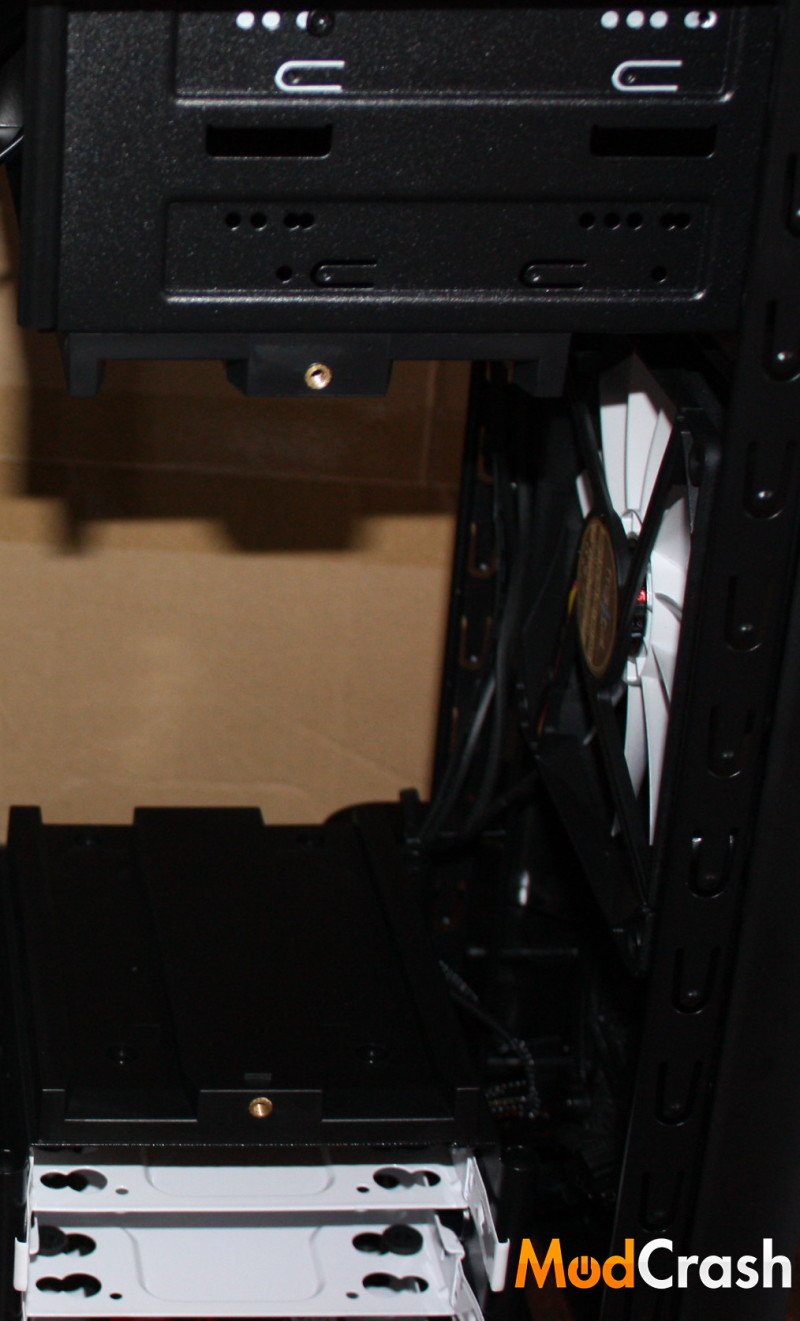
This is to show basically what the case looks like without the HDD top cage like I had mentioned earlier. Since currently I wasn’t going to put anymore than one SSD in the machine I would of rather had the air flow unimpeded by the HDD cage.
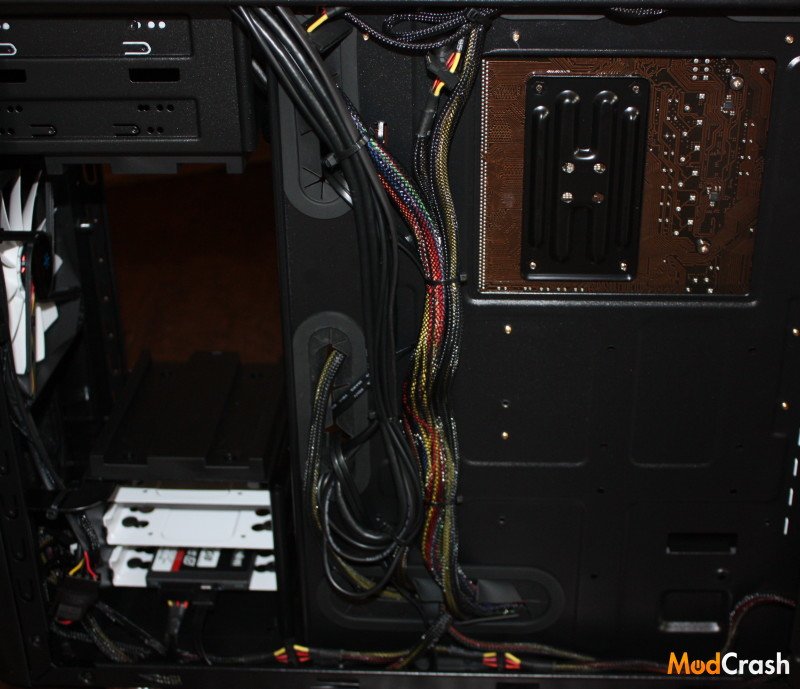
Fractal Design Arc Midi R2 Case
The Arc Midi R2 case has pretty good cable management. Fractal left a lot of tie downs and space in the rear to keep everything nice and tidy. I wholeheartedly admit this is not the best that could be done but in the end it turned out pretty solid. The case gives you pretty much everything you need to keep those cables under control. The other thing I wanted to show with this picture is the the amount of space for the CPU back plate. If you already have the motherboard installed in this case you should have enough room to change out coolers and not have to take out the motherboard.
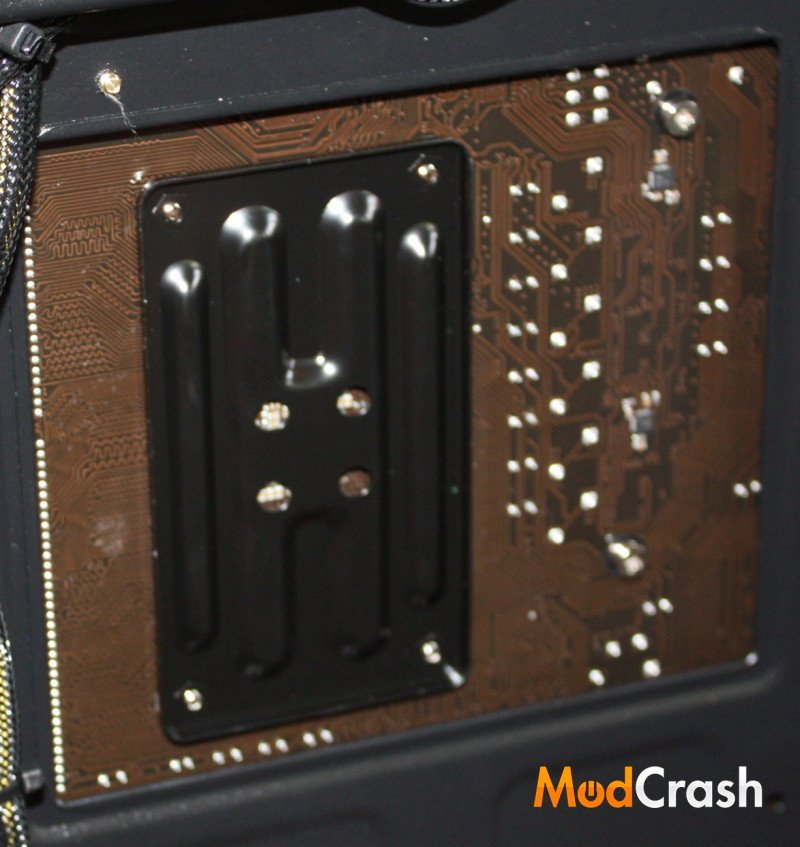
Fractal Design Arc Midi R2 Case
Here is a close up shot of the cutout in the motherboard tray for the back plate.
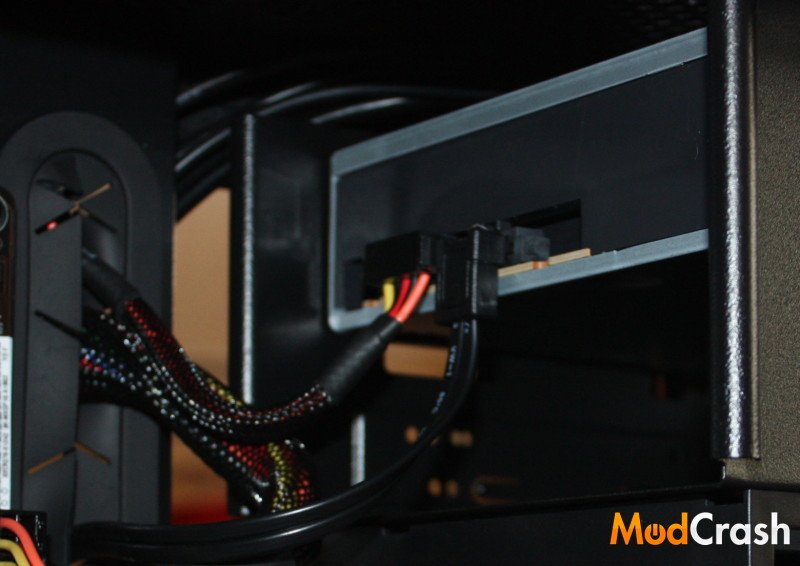
Fractal Design Arc Midi R2 Case
Although 5.25″ bays aren’t a highly important aspect of the layout in a case it does affect cable management. I personally liked the fact that I could mount my DVD-RW in the top slot and running my cables became barely visible considering how I have seen other cases. I wouldn’t ding this case to much but in the end you will be using screws, which Fractal has included to mount any optical drives. With only two 5.25″ bays, don’t plan on adding any big LCD screen can controllers.

Fractal Design Arc Midi R2 Case
The Arc Midi R2 case has a pretty nice top profile to it. Nothing fancy but just clean with the mesh. All of your front panel ports are on the top also.