
Looking Inside and Out of the Fractal Design Define R4
So we have shown a first look at the Define R4 case and now we would like dig deeper into what this case has to offer and why it could be a good choice for you if you happen to be looking for a new mid tower case.
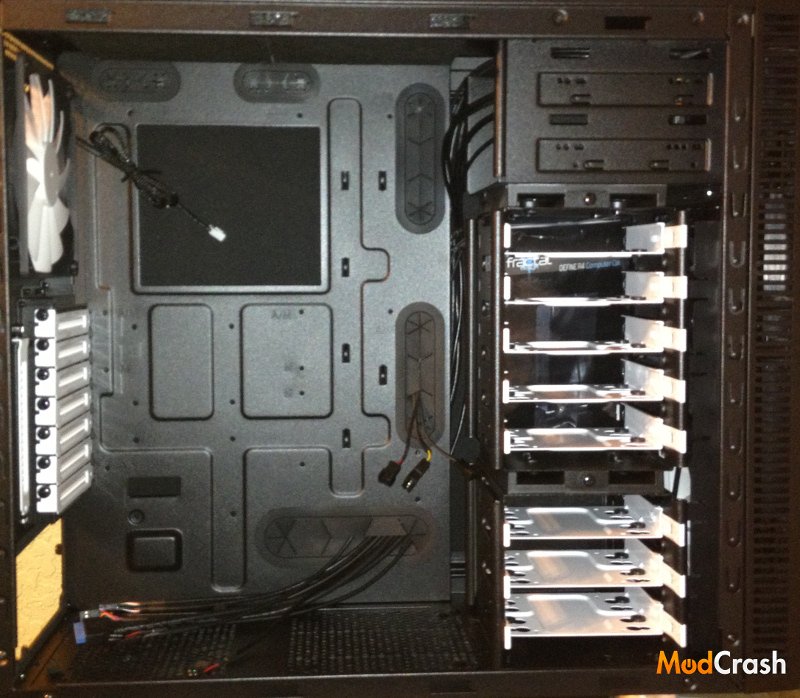
Fractal Design Define R4 Inside
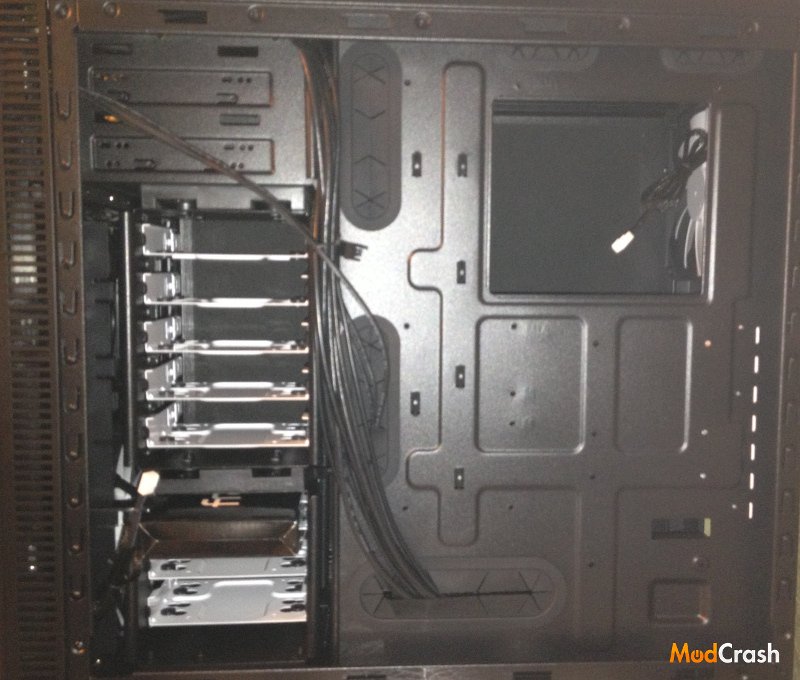
Fractal Design Define R4 Behind Motherboard
Let us start off with inside of the case. This is basically just to show you a good inside layout of the case and if you have read our review on the Arc Midi R2, then you might notice that they both look similar. The Define R4 has perfect placement for cable routing. With every possible routing location, there are rubber grommets to help conceal wires and unwanted components giving your build a clean solid look. Not many mid tower cases have the space to provide great cable management, but the team at Fractal Design have put countless hours into thinking how the average user would route and hide their cables. So if cable management is a big issues for you, which is should be for almost everyone, this case does justice in the placement for giving you everything you would need to keep those wires inline.
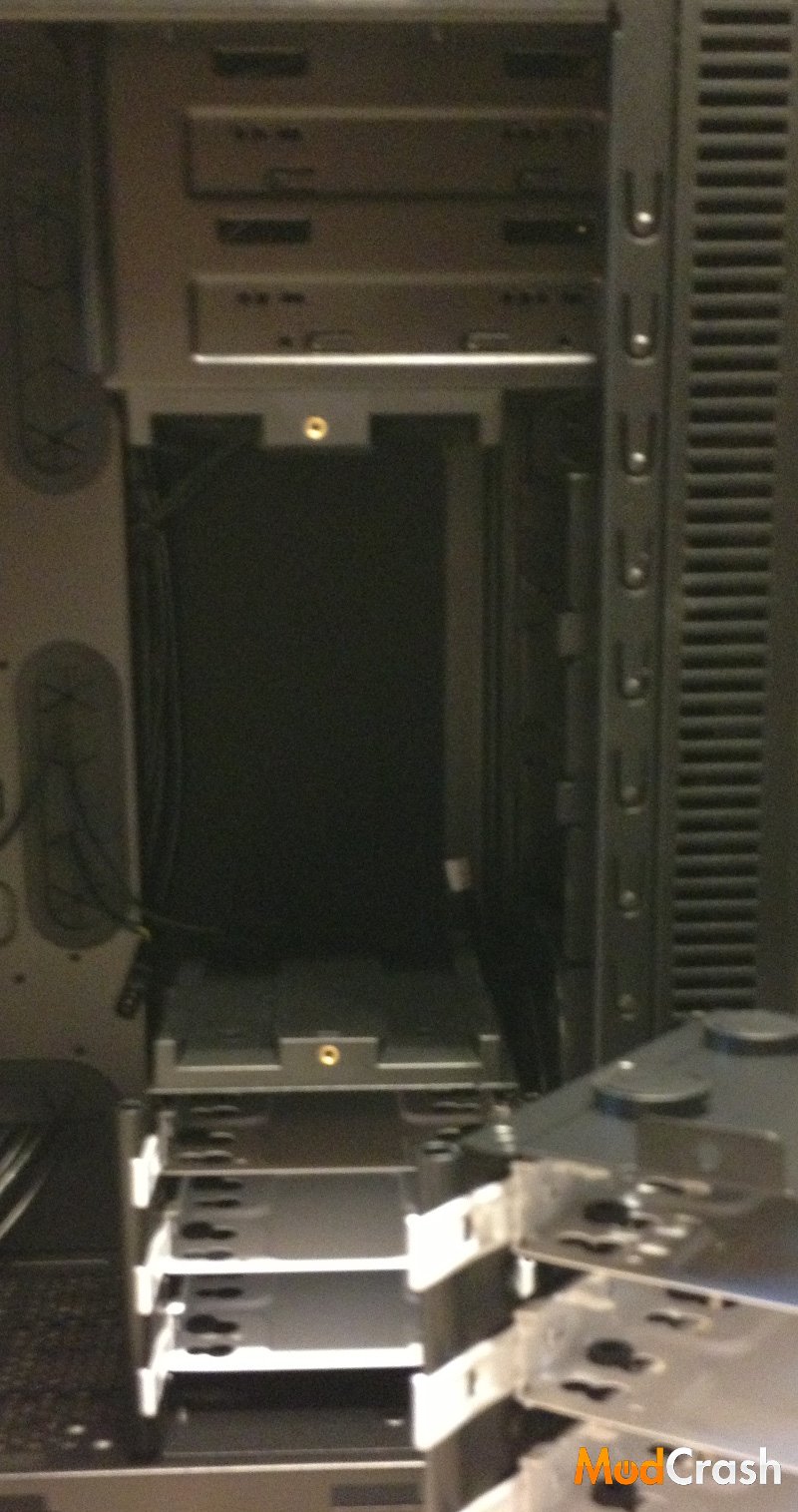
Fractal Design Define R4 Removable HDD Bays
The Fractal Design Define R4 has an accommodating layout for modern hardware. With the bottom and middle storage bays being removable, the Define makes for a great enthusiast case. With the storage bays out, you can place a 240mm radiator to cool a dual GPU setup or for better airflow. The top of the case has room for 2 x 120mm fans or another 240mm radiator to cool your processor. For me, I am a water cooling nut so I am quite drawn to the layout of a well thought out case. Fractal Design had put alot of time and effort into the Define R4 not only for practical use, but also enthusiast use. With 8 optional storage bays and two 5.25″ drive bays, you will never have to worry about space for drives or components.
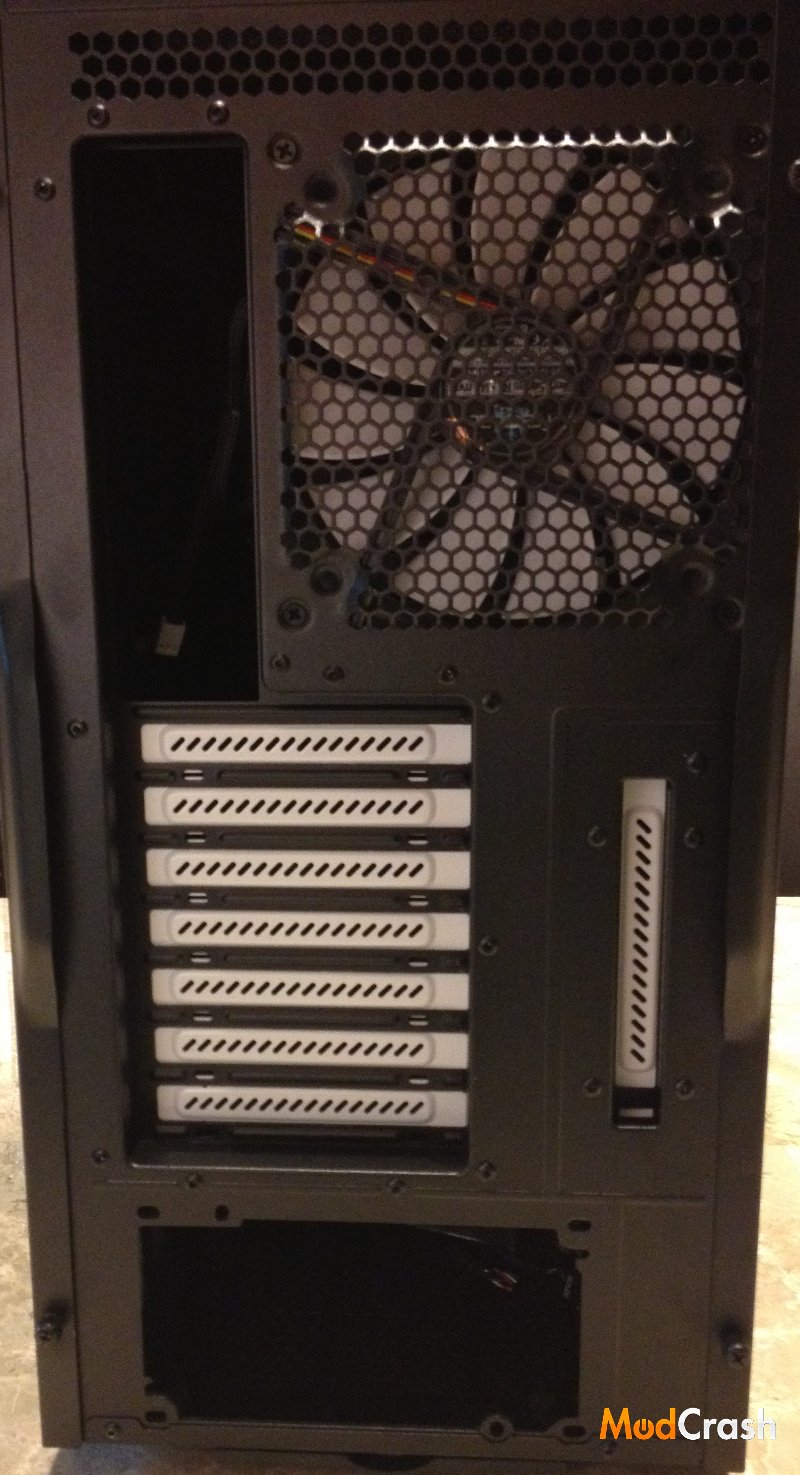
Fractal Design Define R4 Rear
The Rear of the Define R4 case is rather standard. You have your expansion slots, I/O shield slot, and PSU slot. Fractal also went ahead included one of their silent R2 fans for rear exhaust.
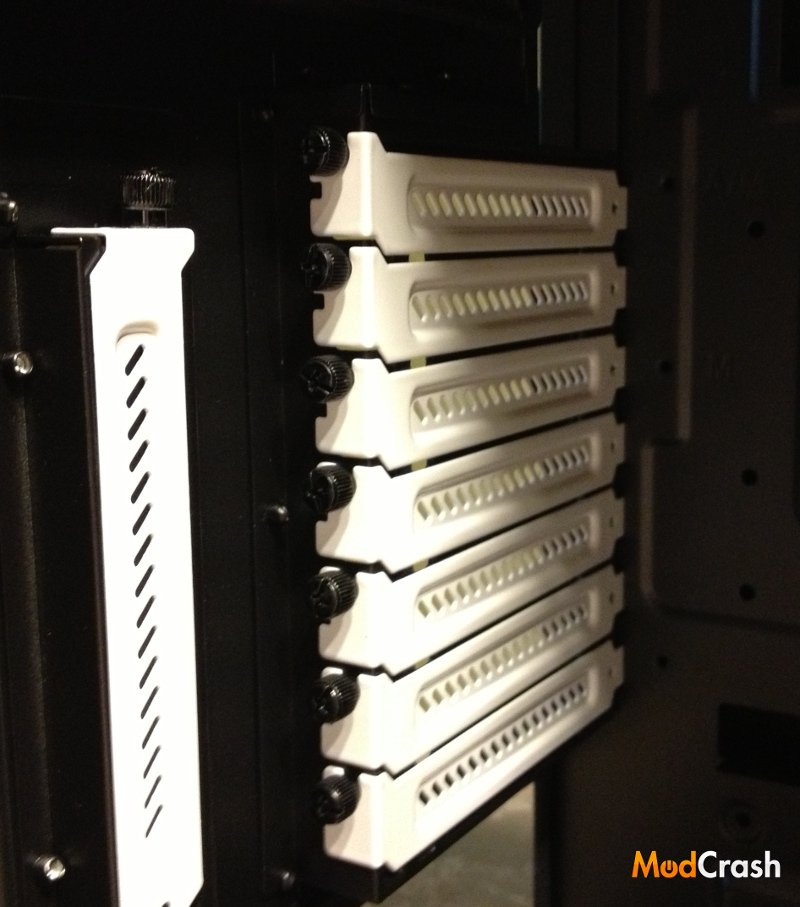
Fractal Design Define R2 Expansion Slots
Fractal has done a nice job of having a black and white theme that looks pretty good and the expansion slots are all removable with thumb screws, so while I would still suggest using a philips head screwdriver to get them off because of their proximity to the rear of the case, they can still be removed by hand if you have small enough fingers.
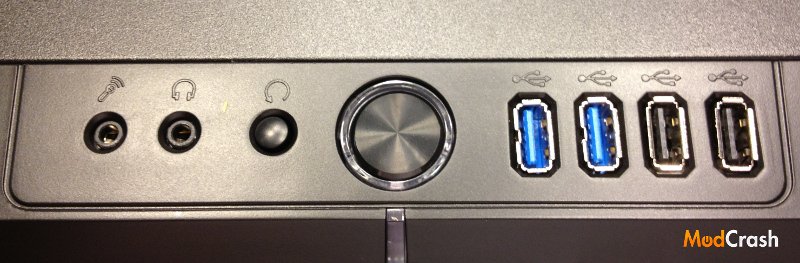
Fractal Design Define R4 Front Panel
The front panel for the Define R4 isn’t anything revolutionary but it does look pretty nice. You have two USB 3.0 and two USB 2.0 ports, so you have multiple spots to plug in phone chargers, flash drives, etc. You also have your standard headphones, mice, reset, and power buttons. Around the power button and below it has blue LED lights to give this case some style. In my opinion the black/blue color scheme in the front looks really well together.
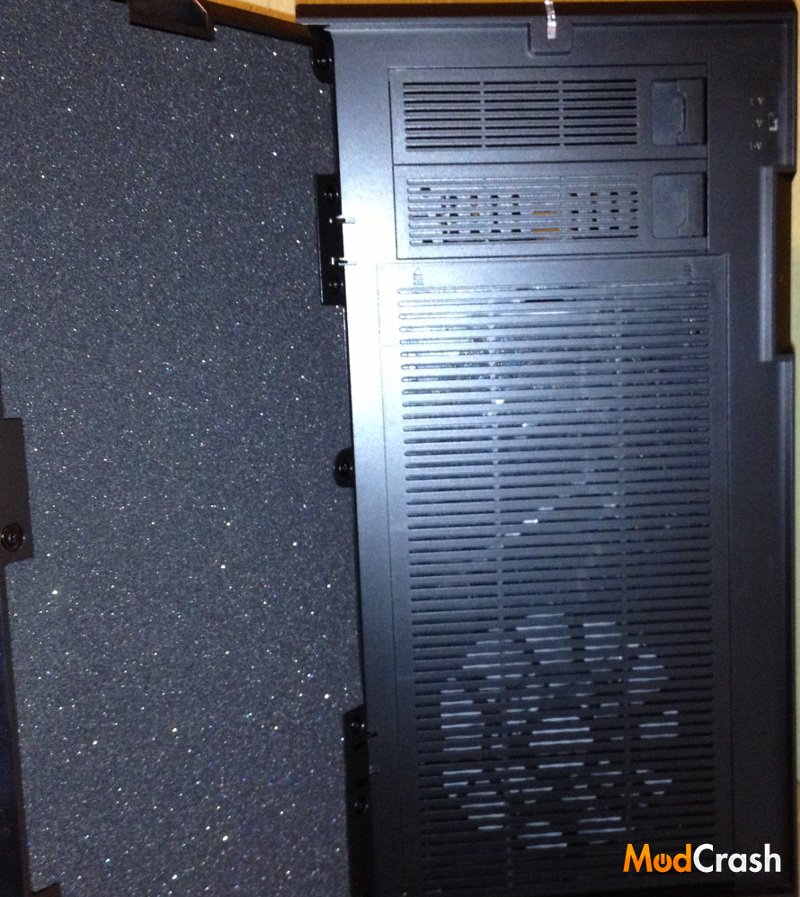
Fractal Design Define R4 Front
The picture above shows the front exhaust fan, sound dampening material on the cover, and somewhat difficult to see on the top right is the integrated fan controller that Fractal built into this case. Fractal went a step further to go ahead and match the paneling over the front with the covers to the 5.25″ bays to keep everything looking uniform when you do have to open up the front.
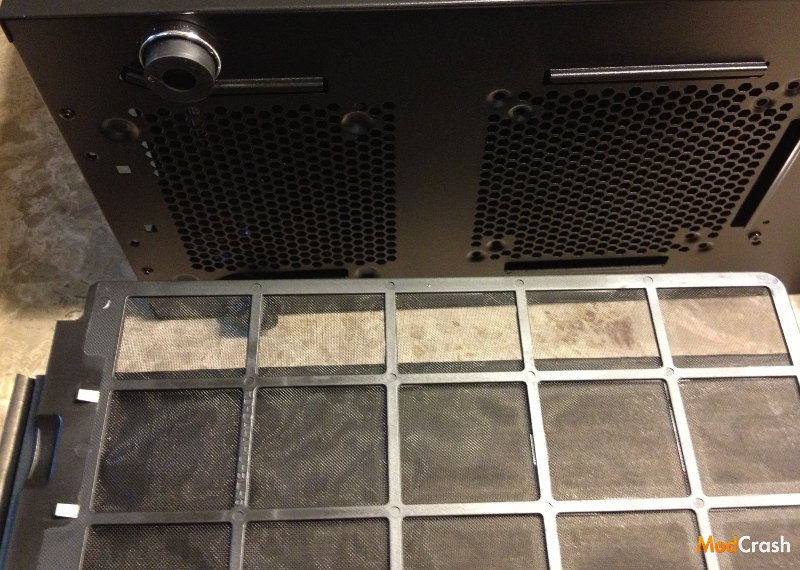
Fractal Design Define R4 Bottom Dust Filter
One of the great things that a lot of manufacturers have been doing is including dust filters even in their smaller cases. The Define R4 case continues this with dust filters in the bottom and also in the front. This is definitely something I don’t regret but wish my Cooler Master HAF 932 had come with when I bought it for my current rig.

Fractal Design Define R4 Sound Dampening Material
Something special we do see with the Define R4 case is sound dampening material in the front swinging door and both side panels. Other manufacturers are doing this also, such as NZXT in the H630 specifically, but it isn’t something that is completely wide spread yet and usually reserved for the higher end cases. While the Define R4 operates pretty quiet by itself depending on components this does add a new element for having a quiet case.
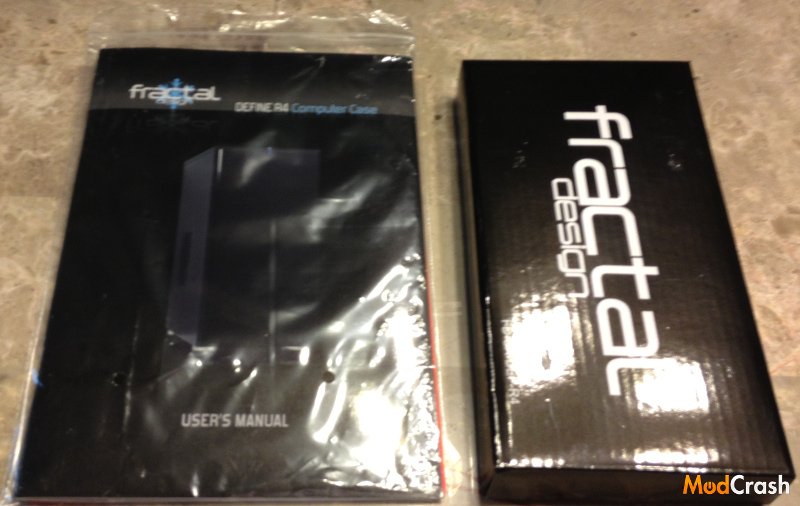
Fractal Design Define R4 Included in Box
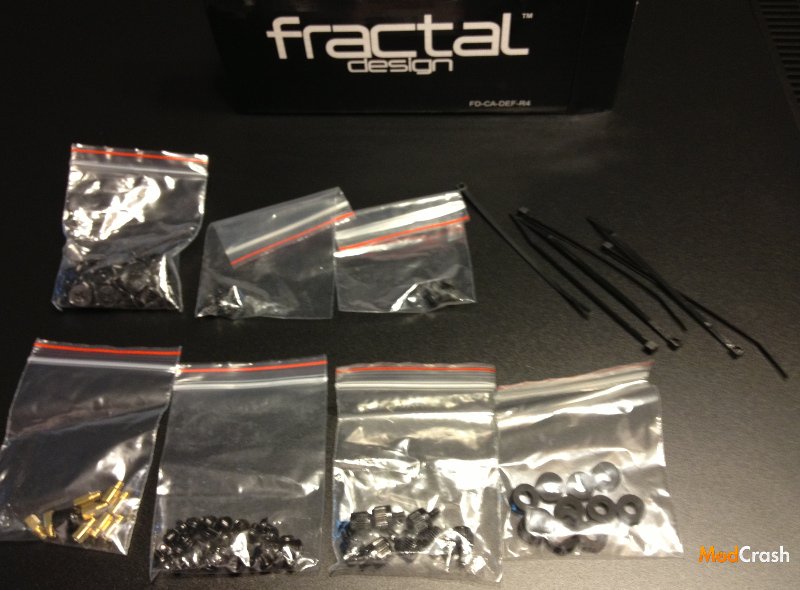
Fractal Design Define R4 Included in Box
Pictures above I wanted to include to show you that Fractal is going to take care of you when it comes to actual hardware to put your case together and do cable management. All parts are packaged separately and nothing is left out.