ModCrash's step by step guide on how to build a gaming PC
Build a Gaming PC: Connect Power and the Front Panel Connectors
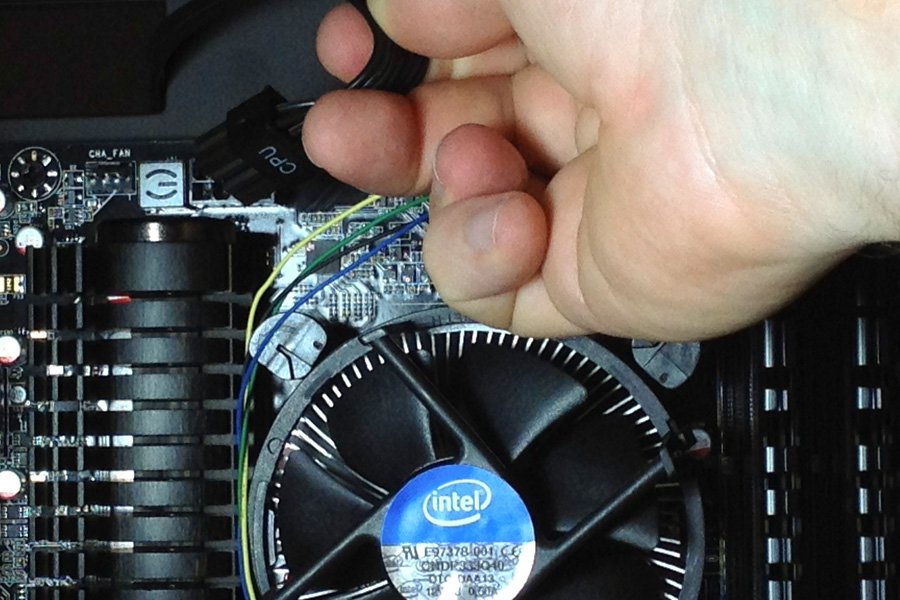
8 pin power installation
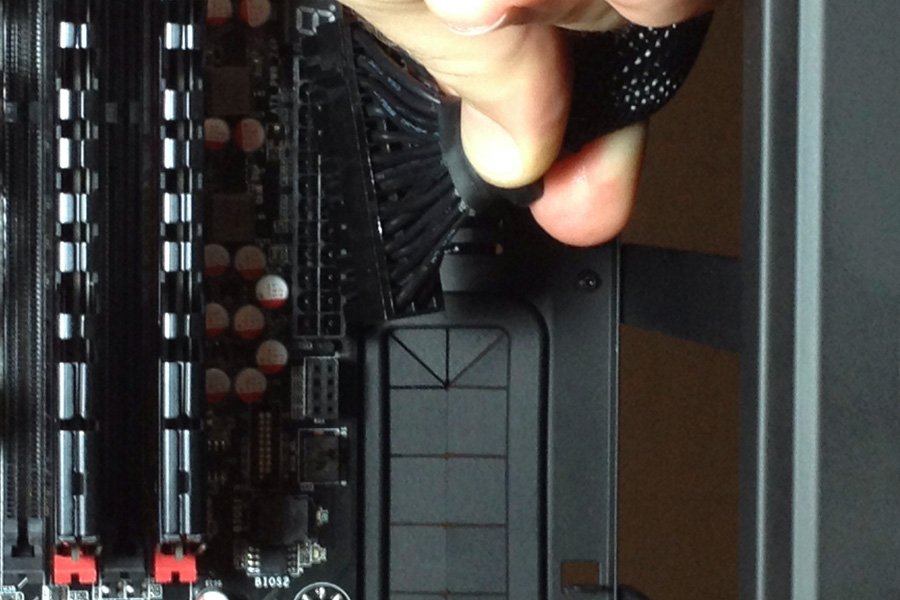
24 pin power installation
At this point, you will connect your 8 pin motherboard connector, 24 pin ATX connector and any additional power connectors you may have. The Z87 FTW has an additional PCI-E power connector to give a bit more juice to overclocking enthusiasts. Also now is the time to connect your case fans too.
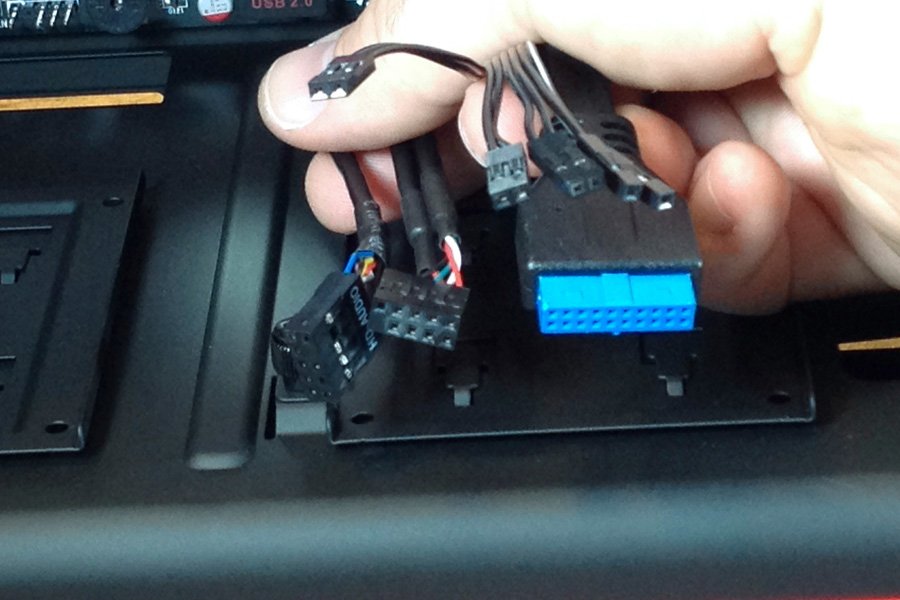
Front panel connectors.
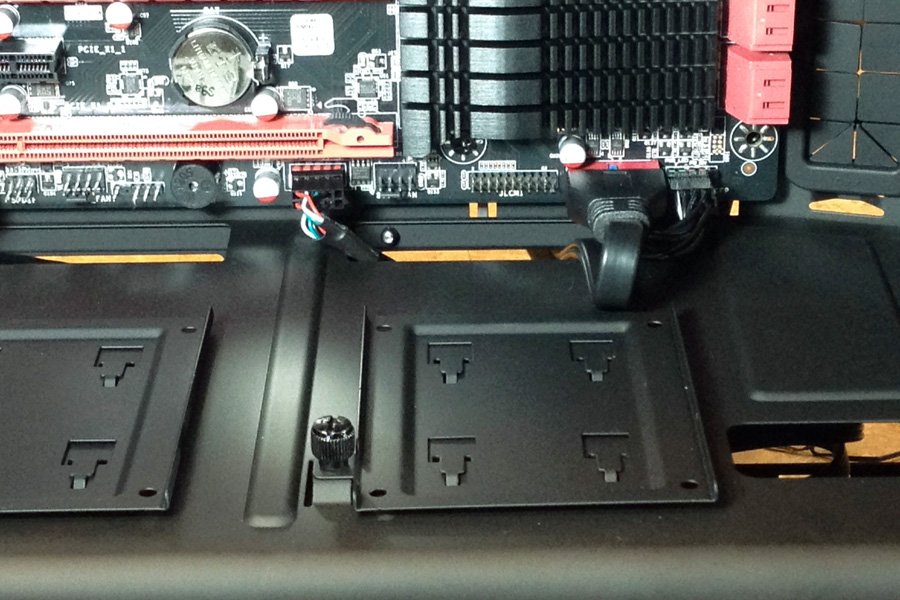
Front panel connectors connected.
Connect your front panel connectors by referring to your motherboard manual for proper placement. You should have a PLED, HDD LED, Power and Reset Switch. Once you have those in order, install your USB, USB 3.0, Front Audio connector and any other connectors you may have. If your case came with a firewire cable, double check that you do no connect it into the USB 2.0 motherboard connector and vise versa. Firewire power will kill your USB gadgets.