ModCrash's step by step guide on how to build a gaming PC
Build a Gaming PC: Install the Video Card
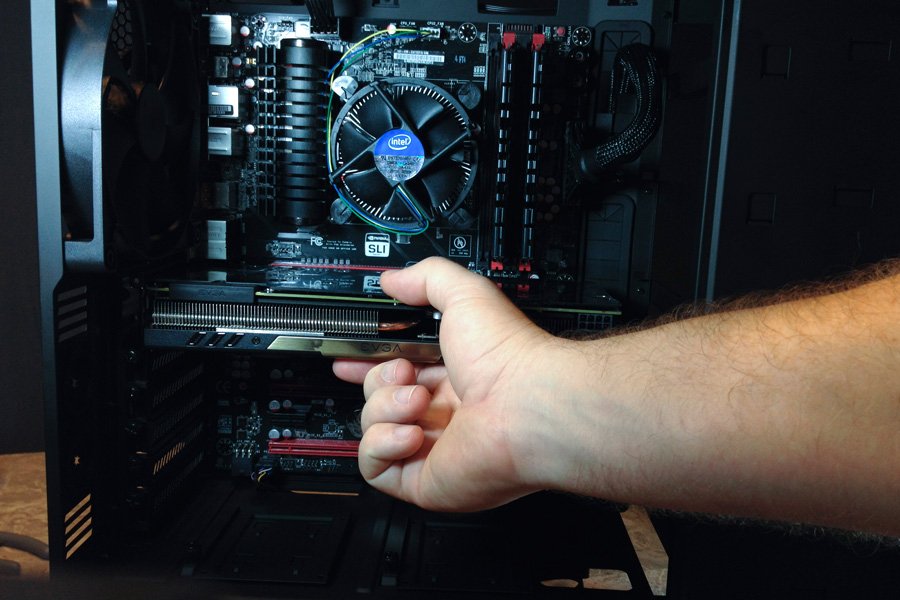
Video card install.
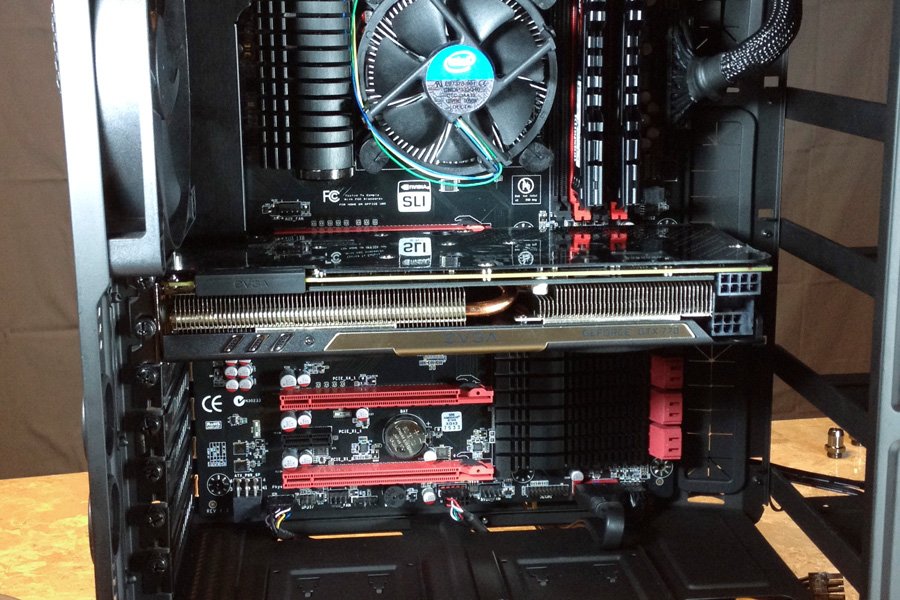
Video card installed.
If you are using an heavy card like the Titan, you may want to lay your case on its side again for this. Remove the back slot covers that cover where your card is going. In our build we are using a dual slot card so we are removing the first and second slots. Next line you video cards connector up with the closest PCI-E slot to the CPU (usually the only x 16 slot). Carefully press down till the video card locks into place. Tighten down the screws onto the slot cover holders. After that you can plug in your cables using the correct pin count on the cards. Some cards use an 8 pin connector along with a 6 pin connector. Some cards just use 2 6 pin connectors. If you are unsure, refer to your video card Manual.