ModCrash's step by step guide on how to build a gaming PC
Build a Gaming PC: Install the RAM
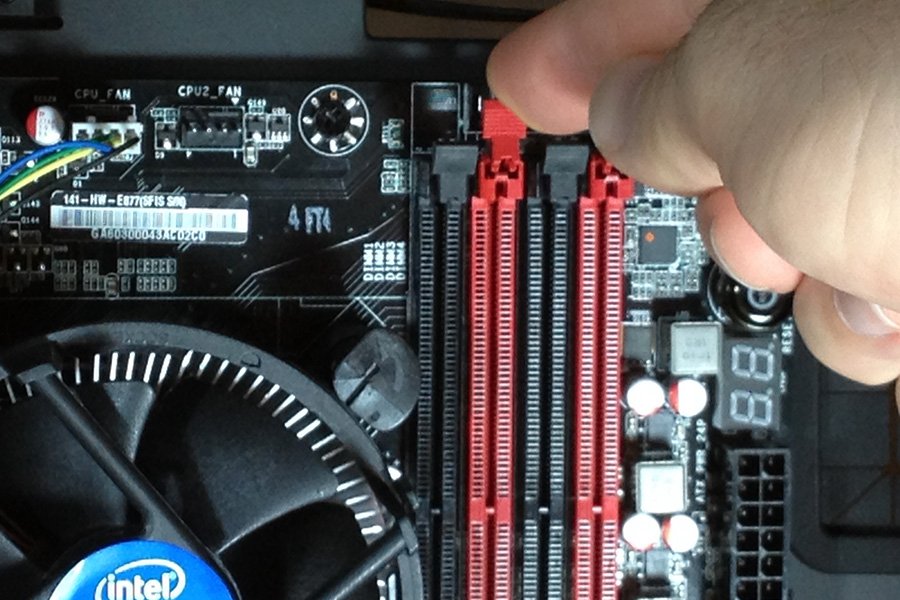
Open RAM locking lever
When installing the RAM, there are two key things to remember to ensure success. First is to make sure you have your notches lined up. Second is to install your RAM in the right channels. Refer to your motherboard manual for the correct slots to use for Dual Channel setup. Open the locking clips that are at the end of your RAM slots on your motherboard.
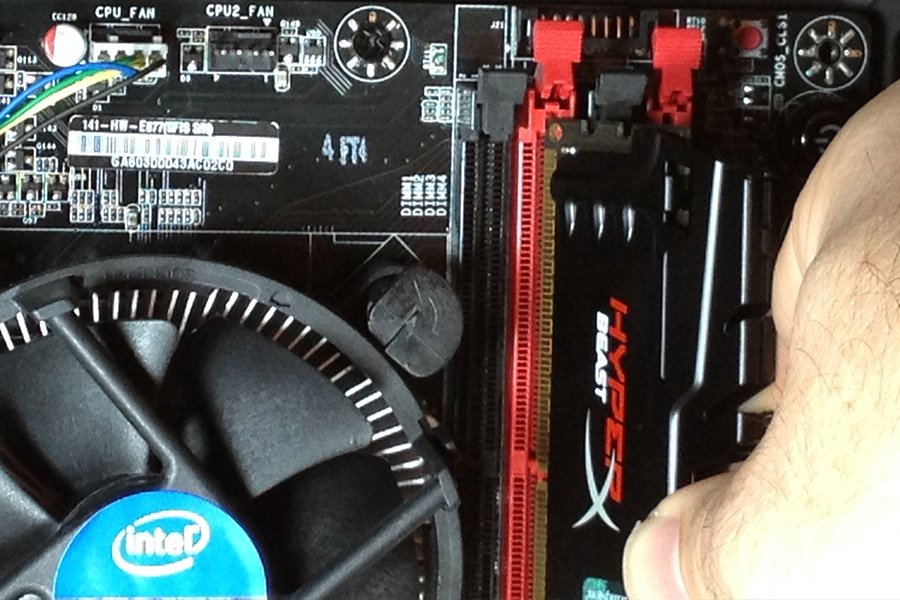
Align notch on RAM and motherboard
Align your notches in your RAM to the correct placement on your motherboard. Press the RAM down just enough that the locking clips snap closed. Remember to check both sides are locked and installed evenly.