ModCrash's step by step guide on how to build a gaming PC
Build a Gaming PC: Install the Optical Drive
Our NZXT does not have a place to install an optical drive, so I am breaking out one of our other cases to show you this. First, remove the front panel cover of the 5.25″ drive bay.
Tool-less Drive Bay
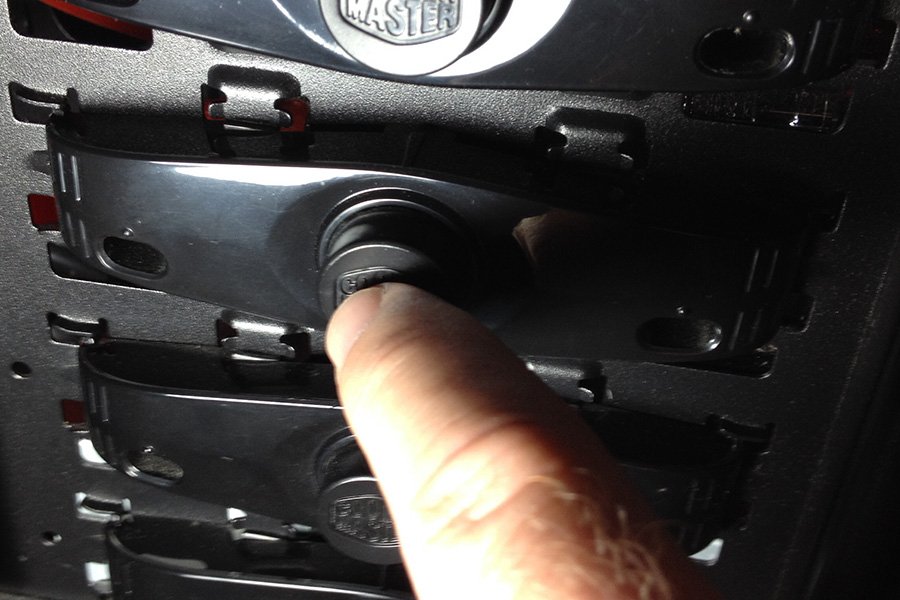
Next release any locks that may hold the drive in place. For this example we used a CoolerMaster HAF 932 which has buttons that lock and unlock the drive bay when pressing. Refer to your case manual if you are unsure how your locking device functions.
Optical Drive Installation
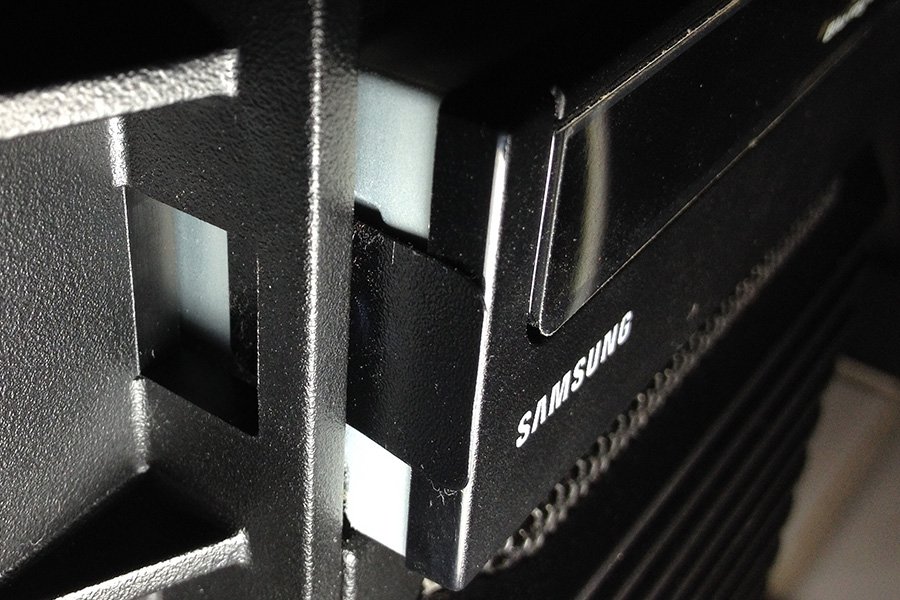
Slide your optical drive back and then lock it into place by using your locking device. Again, for this example we just pressed the button that locked the optical drive in place. Next connect your SATA and power cables.