
In-Depth look at the Logitech G602 Wireless Gaming Mouse
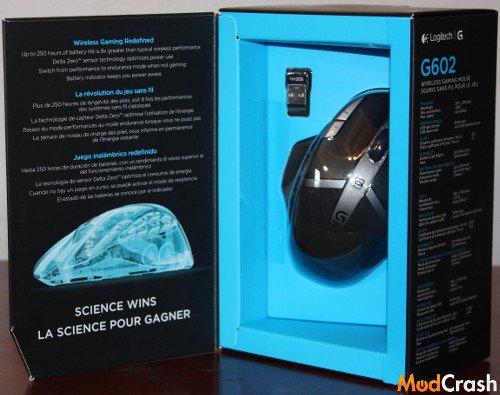
Logitech G602 Wireless Gaming Mouse – Packaging
Not terribly much to the packaging of the Logitech G602 but gives you a good view of the mouse.
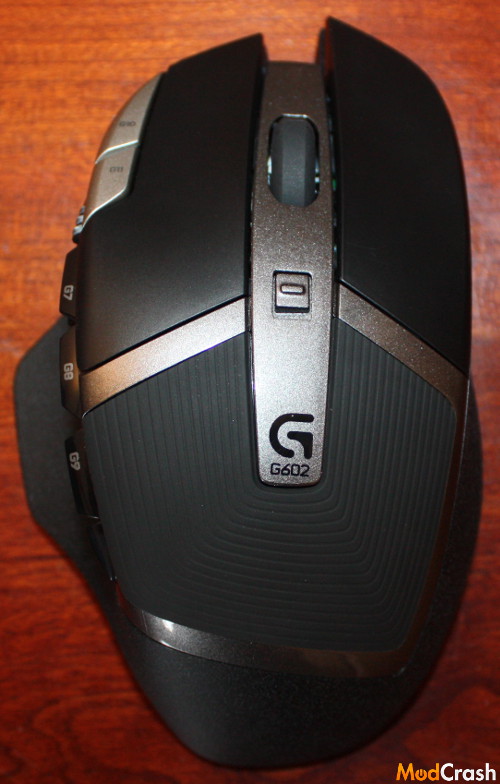
Logitech G602 Wireless Gaming Mouse – Top
As you may notice you have a button in the middle and this controls the performance and endurance with respect to the battery. You have an LED indicator to let you know which mode you are in, green for endurance mode and blue for performance. While I was able to play RTS, MMOs, and FPS games without any issues in either move I did notice in performance mode that movement and accuracy was slightly better.
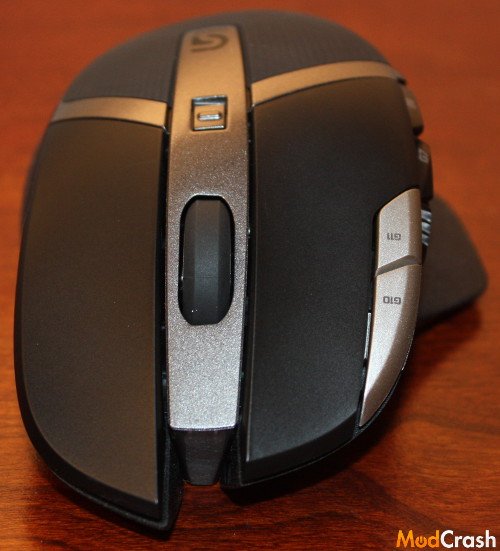
Logitech G602 Wireless Gaming Mouse – Front
The front of the mouse show you the left and right-click buttons along with a G10 and G11 macro buttons which became very useful when playing FPS games by binding those buttons to changing weapons.
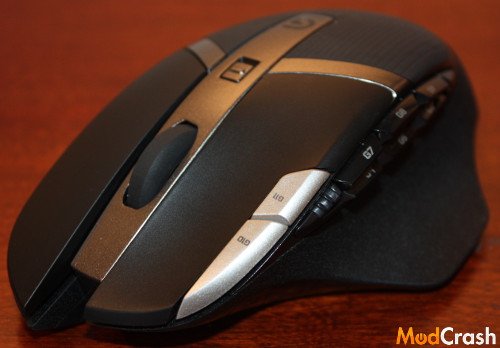
Logitech G602 Wireless Gaming Mouse – Side
The above pictures represents what I consider some very ergonomic curves the G602 has. Personally my hand grip for mice is between the palm grip and fingertip grip and the G602 fit me as well as any mouse I have tried. Ergonomics were pretty close to perfect for me so if you use the palm grip or fingertip grip this mouse could be for you.
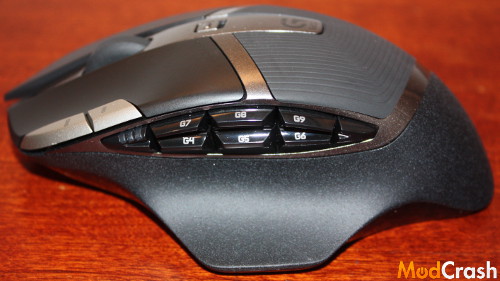
Logitech G602 Wireless Gaming Mouse – Left Side
While other mice offer more buttons having an extra eight of them is pretty nice. I think it gives you the perfect combination of going between FPS and MMO.
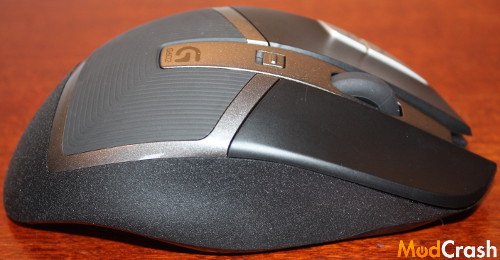
Logitech G602 Wireless Gaming Mouse – Right Side
On the right side of the G602 you can still see that the ergonomic portion of the mouse continues with pinky support.
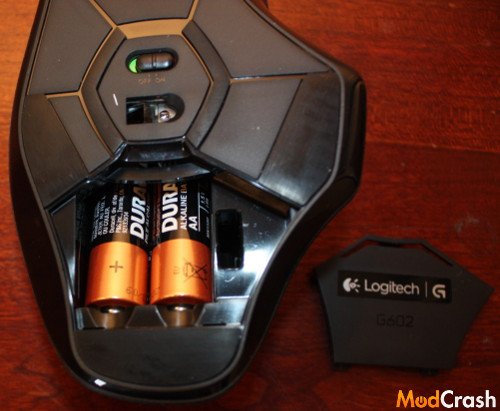
Logitech G602 Wireless Gaming Mouse
On the bottom of the mouse you have the an on and off button, Delta Zero sensor, and cover door for batteries to use the wireless portion. While this mouse doesn’t have anywhere to add or remove weights if you want to use the mouse wired you can remove or add batteries for some sort of weight control. I tried this but overall was satisfied with the weight with the batteries in.
Some things to know about the Logitech G602 wireless gaming mouse is that out of the box your G4 and G5 buttons are you de facto forward and backwards buttons respectively. Also your G10 and G11 buttons let you change DPI settings.
Logitech Gaming Software
I just wanted to touch on the software that you will be using to change-up things on the G602. Logitech’s gaming software is very easy to use and they basically make it a point and click when it comes to changing things around and getting your profiles set up how you want them. Here is a screenshot of the basic layout you would see with using the Logitech gaming software and the G602 gaming mouse.
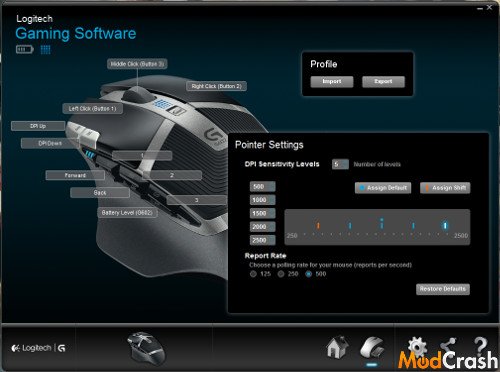
Logitech Gaming Software for the Logitech G602 Gaming Mouse
Head over to the next page for my final thoughts on the Logitech G602 wireless gaming mouse!
wow great mouse I really like this one and want it