
In Depth look at the NZXT H230
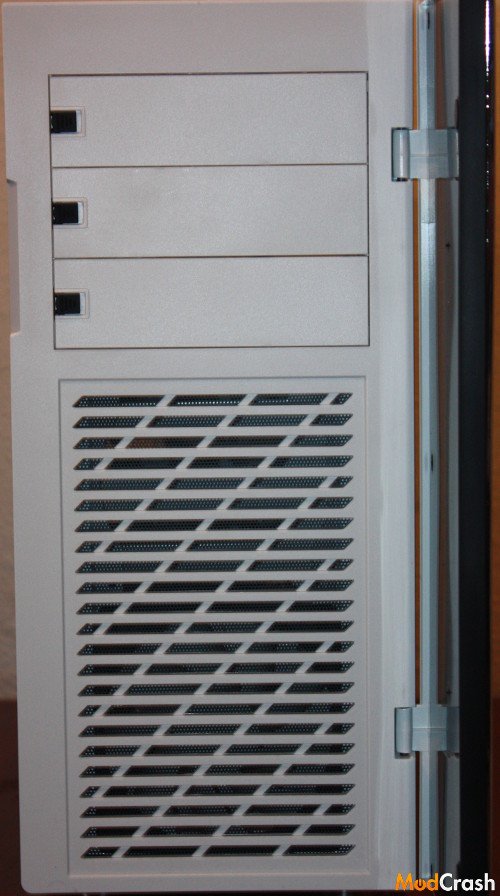
Here is the front of the case with the door open, as you can see a non removable dust filter is situated in front of the intake fan to help keep dust out of the case.
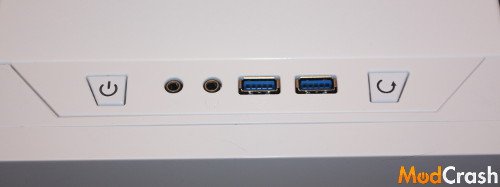
Front I/O panel that is very basic with two USB 3.0, headphone, mic, power, and reset button.
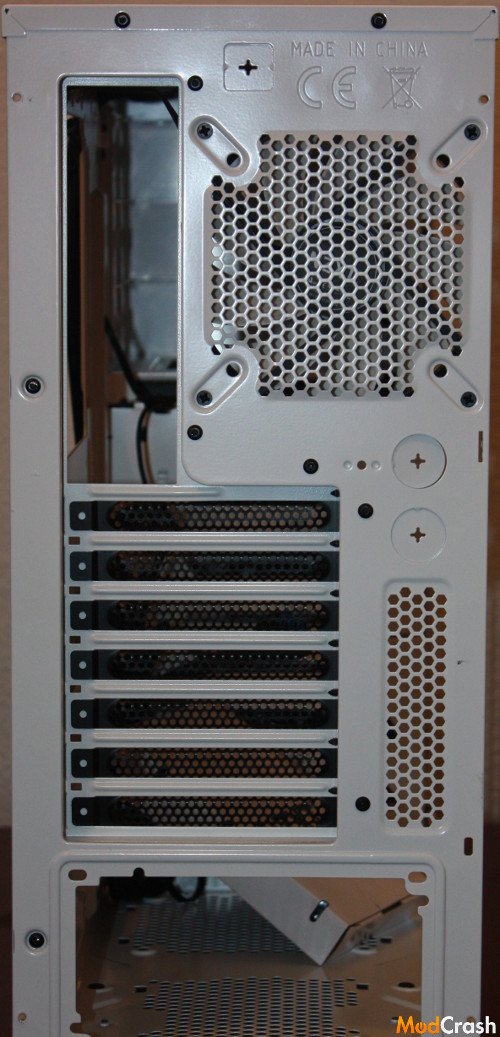
The rear of the case and as you may of noticed is it does have two punch out tabs for running tubing for a custom liquid cooling setup.
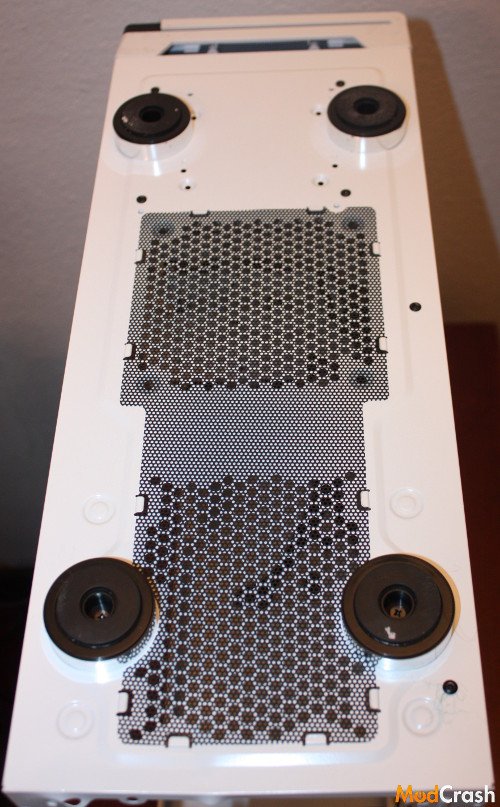
Usually I don’t show the bottom but wanted to spotlight that even on a mid tower case that NZXT has put dust filters in the bottom to help out the user, only drawback in they aren’t easily removable but I can’t fault NZXT that since usually you wouldn’t even find them on a case this cheap.
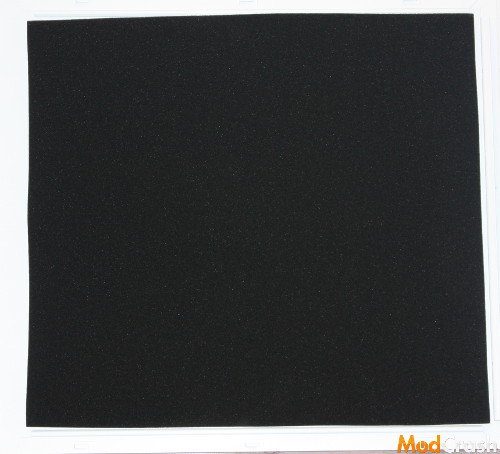
The sound damping foam that is on both side covers to help the H230 live up to the series it comes from and be silent.
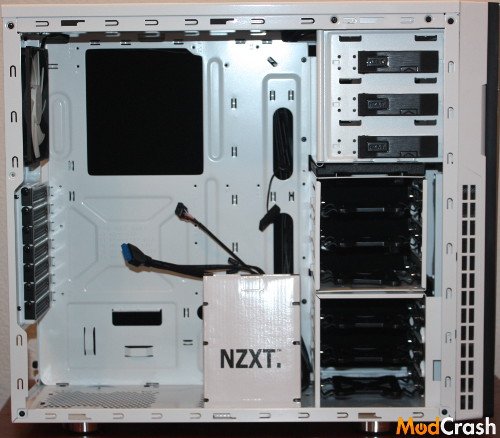
Inside of the case is pretty straight forward. The HDD trays are removable from the rear, you have a bottom mounted PSU area, can fit up to an ATX motherboard in this case, and like the H630 the intake for the front pan is on the side.
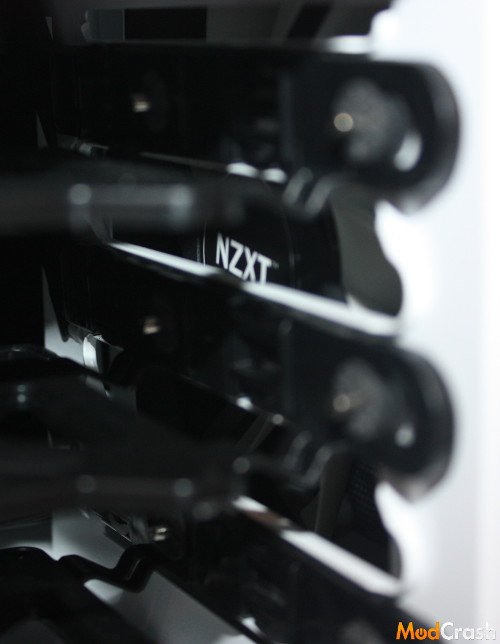
Not the best shot but wanted to show you that a fan is indeed already installed for you out of the box in the front and another is installed for exhausting airflow.
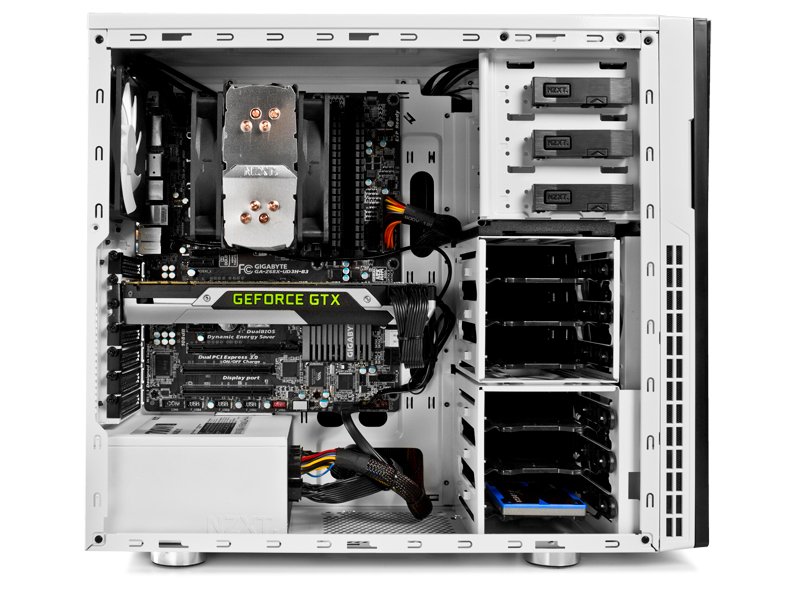
I wanted to include the next couple of pictures since they are from NZXT that highlight the abilities of this case.
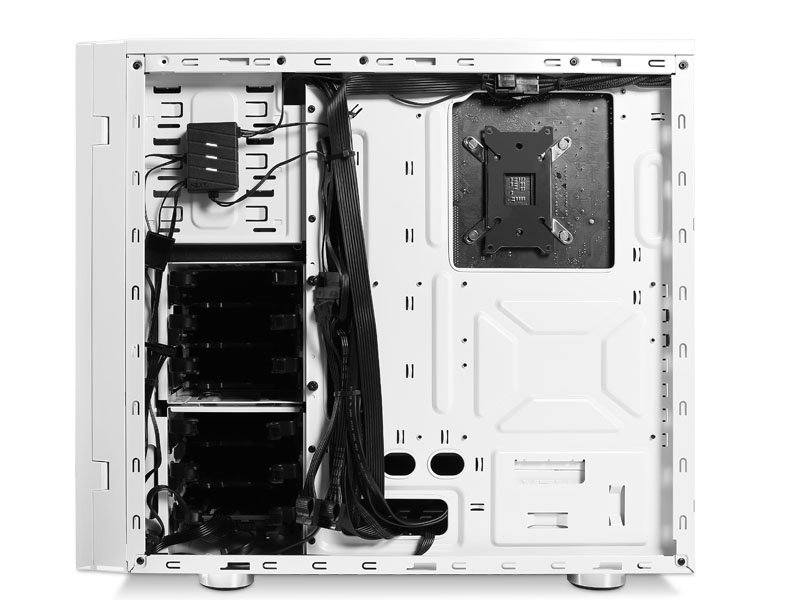
Looking at the back side of the case you can see you have enough options for cable management and room in the cutout to change back plates if you need to without having to remove the motherboard from the case.
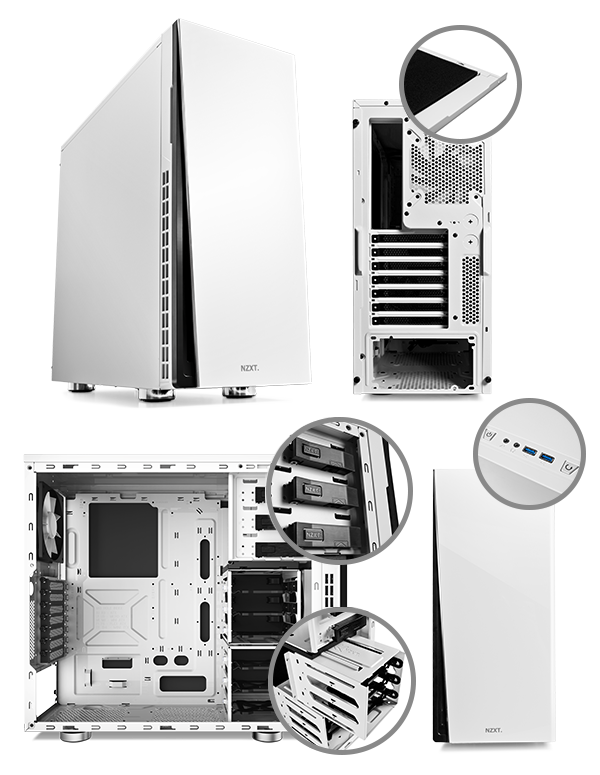
This is NZXT’s picture showing modular HDD cages, toolless design for the 5.25″ drive bays.
Head over to the next page for my final thoughts on the NZXT H230!