
In Dept Look at the NZXT Phantom 530
Here we will take a look at the Phantom 530 in more detail and show you some of the details and features up close.
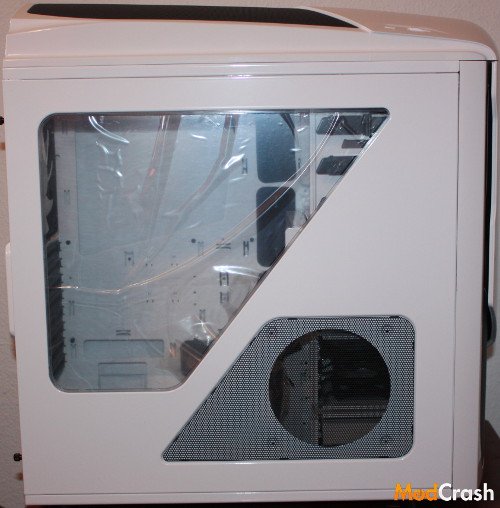
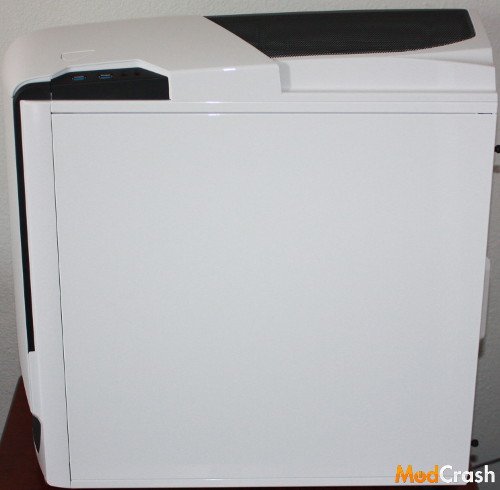
The Phantom 530 back side panel is blank but the front side giving you a fairly large clear window to see your rig though and a place to put an optional fan if you need it or want it.
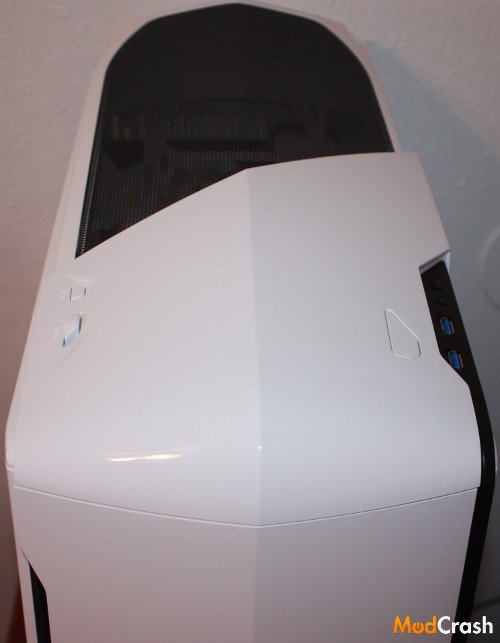
The top of the Phantom 530 has the signature curves of the Phantom case family with a mesh top where you can put up to a 200 mm fan for optimal cooling. One of my biggest issues with cases is the room from the top of the motherboard to the top of the case and one great thing about the Phantom series is the ability to place a fan on the top of the chassis. Also as you can see is that as far as USB slots you only have to choose from USB 3.0.
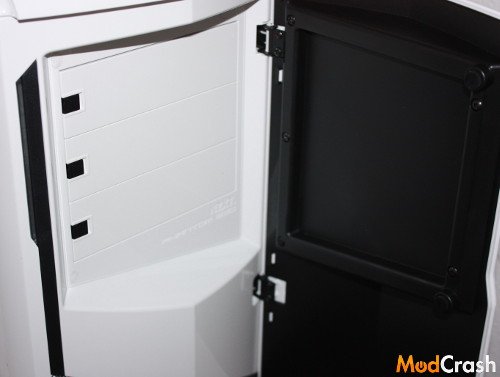
As you can see the door on the front of the case opens to reveal three 5.25″ expansion slots and uses magnets to keep the door shut.
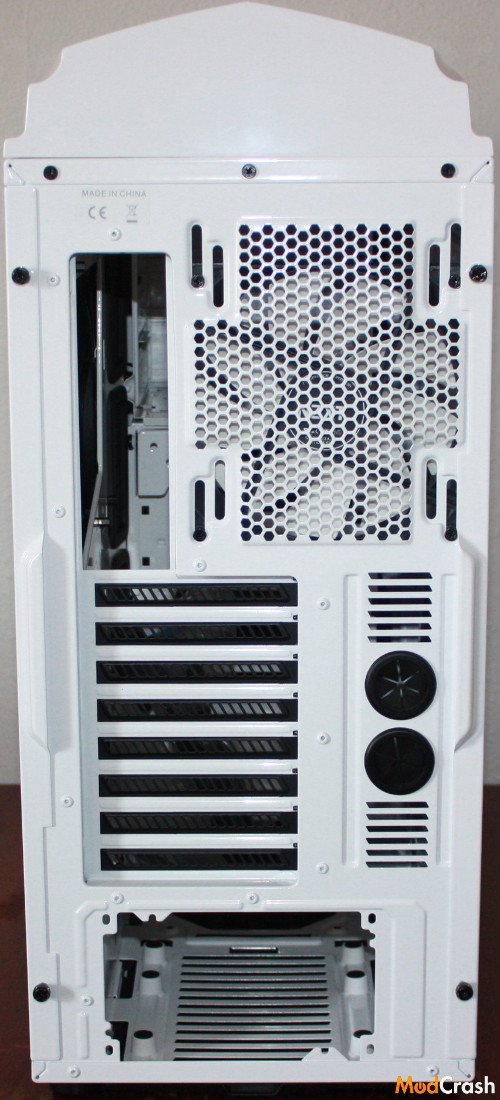
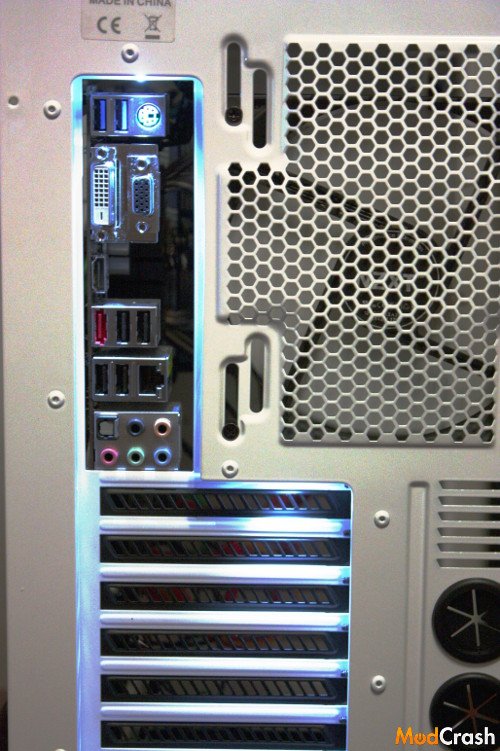
One of the nifty features of the NZXT Phantom 530 and other NZXT cases is the LED lights in the rear of the case to illuminate the back if needed. A switch on the top of the case controls the lights so if you want to switch them on and off you can.
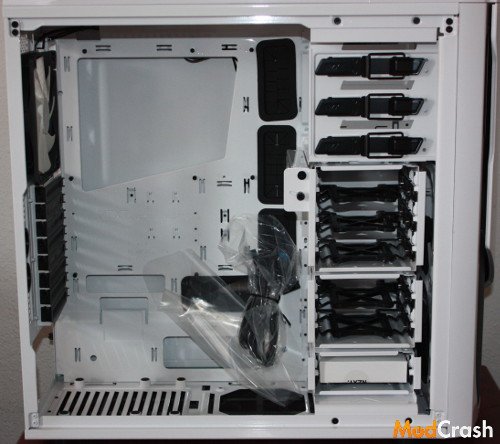
If you are familiar with NZXT’s other cases such as the Phantom 630 or the H630 then you might see a resemblance in the Phantom 530. They all have the same chassis design majority of the same features but in a smaller scale on the Phantom 530 vs the H630 and Phantom 630. You have fully modular HDD bays up to 6 which can be changed to fit your needs. The only thing I wish NZXT would have done differently is put rubber grommets on all the openings and not just the upper two-thirds.
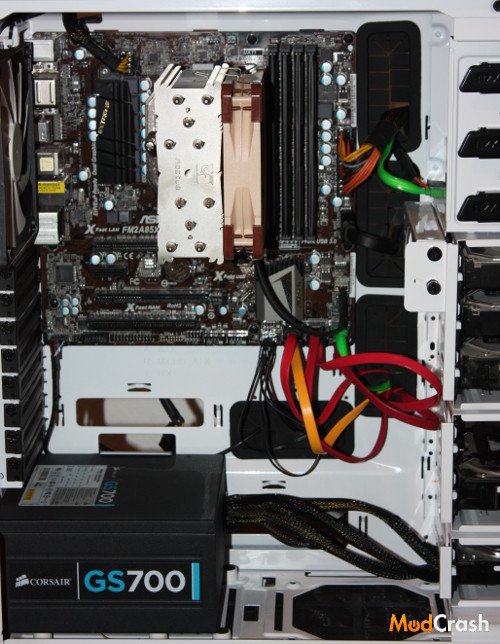
When I do a case review I like to put a built in one to see how everything fits together and actually see how much I like the case. When I did this built I used an ASRock FM2-A85x Extreme 4-M m-ATX motherboard with an AMD A10-6800k APU and Noctua NH-U12S cooler. Everything fit very nicely and according to NZXT you can fit ATX or E-ATX boards in this case which looks like it would be a tight fit but would indeed fit.
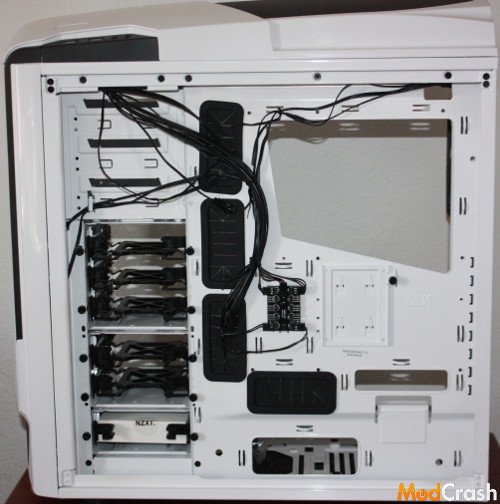
Behind the motherboard tray you will find that NZXT has included their 10 port fan controller, a tray to mount one SSD, and plenty of way to run cable management. I would never mistake this for other larger full towers or an ultra tower but cable management was pretty easy in this case. While I didn’t take as much time as I usually would to do cable management in my own computer I did find it was very easy and simple to get everything done to make it semi presentable if someone were to take the cover off and look.
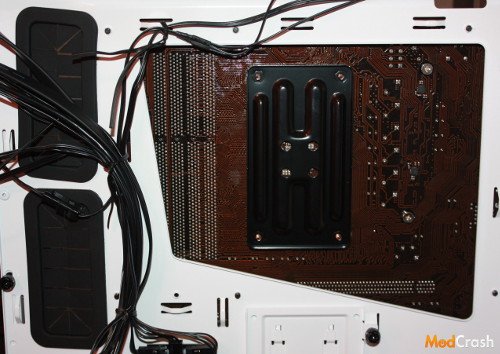
The backplate currently in use is the stock plate that came with the motherboard and as you can see you have plenty of space if you were to change coolers and would not need to pull off the motherboard to do it.
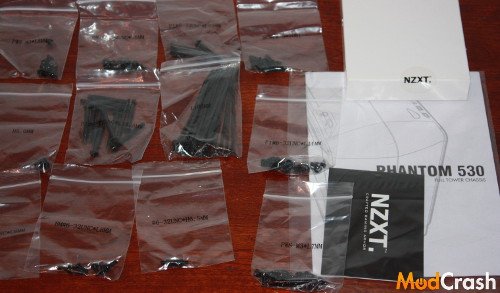
I wanted to show the accessories so that if you are a beginner or been building PCs for years that pretty much everything you need is included.
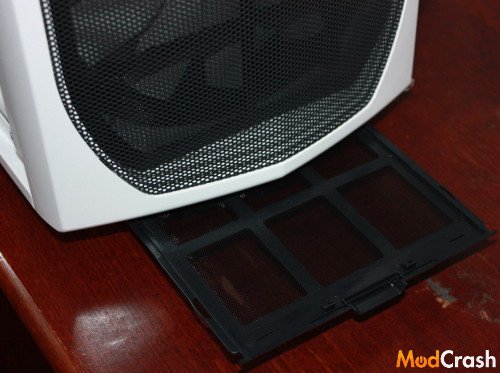
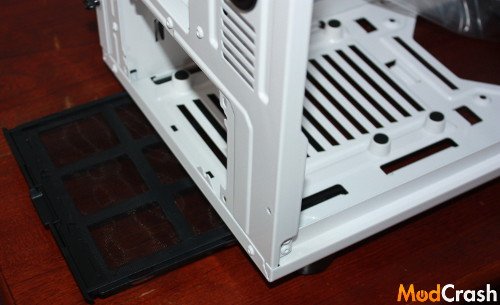
The above two photos are to show the dust filters at the bottom of the case and their is also filter in front of the 200 mm fan in the front of the case which is accessible once you pull the front cover off.