
An affordable gaming headset for those looking to game like the pro's do.
Turtle Beach Atlas Elite: Introduction and Specs
When it comes to gaming headsets ModCrash is always looking for the best. What we look for are clear, crisp and powerful bass sounds. Now, true when it comes to sound it is all a personal preference but hardware and software play a big role in getting that preference. That is why I was pretty stoked when the Turtle Beach Atlas Elite PC gaming headset showed up on my doorstep. With the amount of work and research that Turtle Beach had put into the hardware and software of the Atlas Elite’s I knew I would not be let down when it came to testing them.
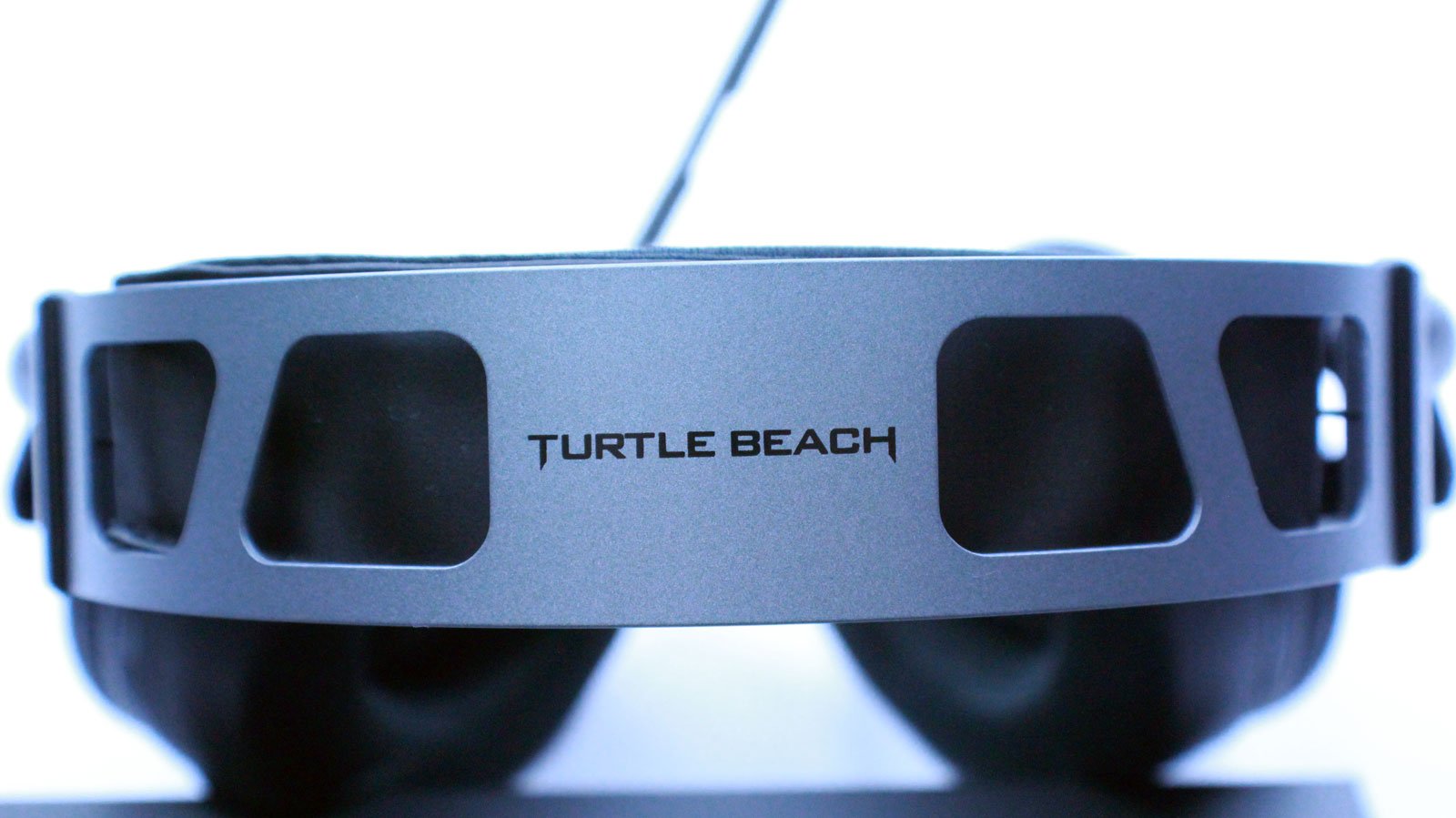
- A sleek metal headband with a suspended pad and swappable memory foam ear cushions ensure unmatched comfort.
- Turtle Beach’s unique ProSpecs comfort-driven design removes pressure on your glasses while you play.
- Revolutionary material technologies combine to keep your ears comfortable while also blocking out external noise and improving bass response.
- Large, powerful 50mm over-ear Nanoclear speakers deliver Turtle Beach’s signature esports audio tuning.
- Ensure your voice is always heard loud and clear with Turtle Beach’s professional quality mic.
- Turtle Beach Atlas Elite Gaming Headset.
- Removable Microphone, Inline Controls for Headset.
- 3.5mm Splitter Cable for Headset and Microphone.
- Turtle Beach Sticker.
- Start Guide.
Turtle Beach Atlas Elite: Unboxing
The packaging of products has come a long way. Turtle Beach knows this and has really taken a big step into ensuring a great unboxing experience. When you first open the package you find your awesome brand new gaming headset right in front of you protected in foam. Since delivery guys have been known to throw, kick and even drop products out the back of their truck, its a relief.

After you unbox everything you find yourself with the Altas Elite Gaming Headset and a removable cable, a 3.5mm splitter for a separate headphone and mic jack, a removable mic, quick start guide, and sticker.

Turtle Beach Atlas Elite: Features
The Turtle Beach Atlas Elite has proven to be more comfortable than previous versions of Gaming Headsets that I have tested. The Atlas series implements Turtle Beaches ProSpec which relieves pressure while on glasses. As someone that wears glasses, this turned out to be pretty great. The headset has over-ear 50mm drivers which give great lows along with highs utilizing Turtle Beaches eSport audio tuning. The microphone is a professional grade. This means that your party will hear you while you’re fragging out while gaming. If you love to stream and would prefer to not use the mic, don’t worry. The mic is removable so you will be able to use a different one if you choose.
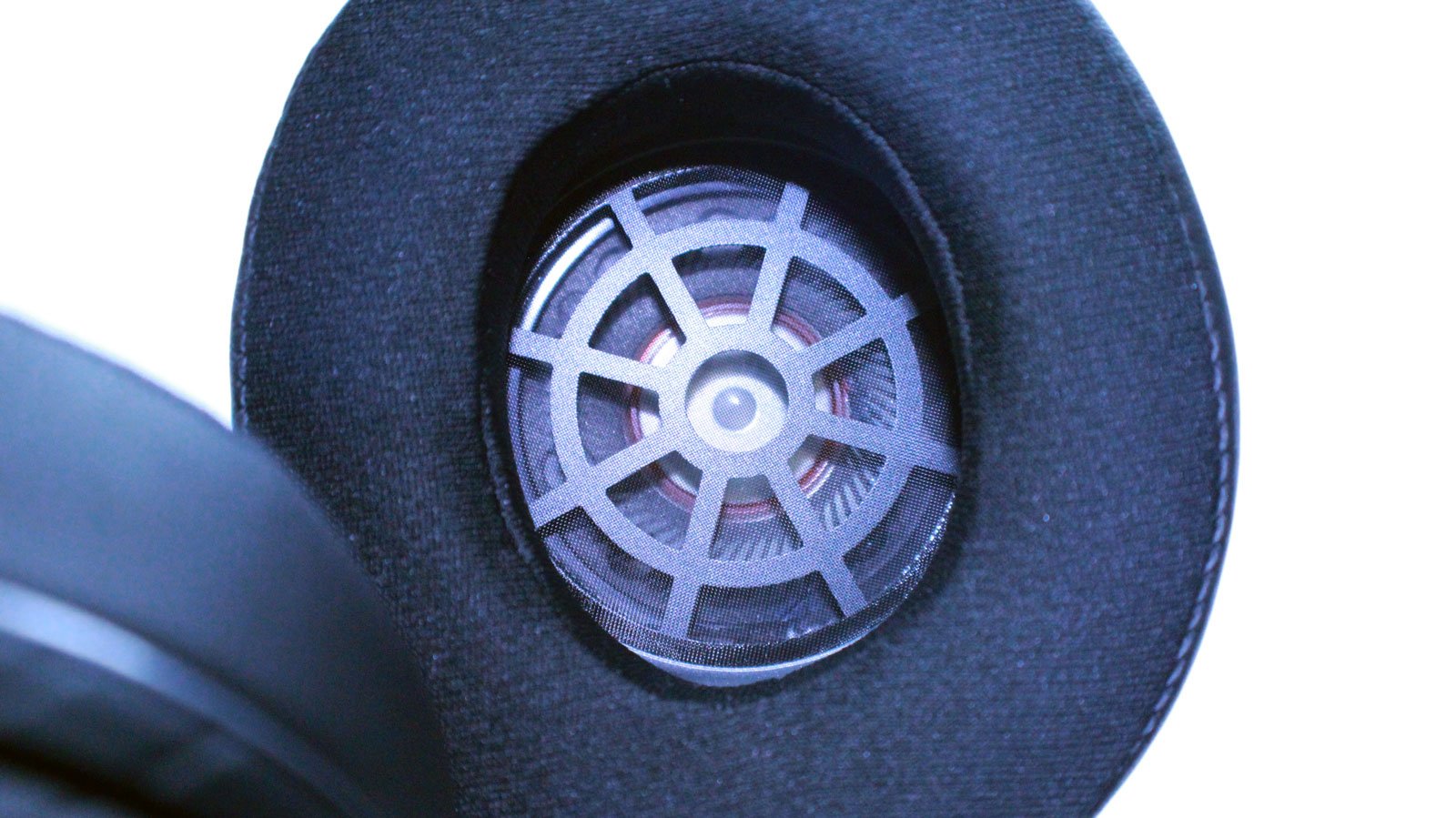
As far as aesthetics, the headband is a metal frame with a soft padded inline. The frame fits well on all head sizes from small to large. I had each of my children game for 2 hours while wearing the Atlas Elite Gaming Headset. The verdict was the same. They fit well. I, however, have a large head and compared to other Turtle Beach headsets I was able to play for more than 4 hours without feeling any discomfort. That is a huge plus from previous versions. The outside of the ear couplings has a removable plastic cover. You can purchase customized versions of this plate or you can do it yourself.
Turtle Beach Atlas Elite: Sound
Testing on the Turtle Beach Atlas Elite was straight forward. I put it through multiple game tests, music, and movies with different settings in windows including with/without Windows Sonic. Another test we did was with a Turtle Beach Super Amp to see if any benefits come from using one. On PC the verdict is no. On Xbox One, however, yes, get one!
Games
Battlefield V Settings Tested:
- Output Configuration: Auto/Stereo/Surround
- Sound Preset: War Tapes/3D Headphones/Headphones/
The Atlas Elite Gaming Headset tested well with Surround and Wartapes enabled when I had Windows Sonic enabled. When testing these settings without Sonic, the sound was confusing at times. There were a few points during gameplay where I the enemy sounded like they were in a completely different position.
After finding out that Windows Sonic needed to be enabled to experience the 3D audio settings I tested with just Auto and Headphones. The sound was actually decent. Even though I didn’t have the 7.1 experience any more I was able to really tell enemy positions. This made for great gameplay even without 7.1.
Best settings I found for Battlefield V were:
- Output Configuration: Surround
- Sound Preset: 3D Headphones
This was a hard decision to select between War Tapes and 3D Headphones but the reason I chose 3D was that I truly felt the sound was more optimized for 7.1 headphones vs War Tapes which was a bit too much for virtual 7.1 sound.
Call of Duty: Black Ops 4 (Blackout)
I had to test Blackout because I play this all the time. One thing I suffered from with other headsets is the poorly coded audio in the game. There are times that you really cannot tell where the enemy is. Sometimes the enemy is coming from the right and he sounds like he’s above you. That is no Bueno.
- Audio Preset: Headphones/Supercrunch/Treyarch Mix
Its been a long debate by Black Ops players about sound settings. Some swear by Super Crunch, others by Treyarch or headphones. I tested them all with and without Windows Sonic. The results are in! Use Windows Sonic and Supercrunch. The footsteps, shots, explosions and even weapon reloading were clear and directional. I even heard someone switching out attachments at one point.
Movies
When testing movies I looked for 3 major things. Clarity of voice, action sounds, and sound equalization. It was clear after the first 30 minutes of Infinity War that this truly was designed as a Gaming headset. The sound wasn’t horrible. However, the sound did struggle at certain points leveling out between action scenes and scenes of Thanos’ thugs just chatting. This isn’t to say the movie wasn’t watchable. If you do just want to stay at your PC and watch a movie, the Atlas Elite Gaming Headset is just fine. If you are a true audiophile, don’t expect a truly immersed theater experience with surround sound.
Music
Our music tests consited of genres from Dubstep, trap, hip hopconsistedand pop were tested. Again, the sound was great but not perfect. I will not knock any points off for the review since it is marketed as a Gaming Headset. With this in mind, Hip Hop, Rock, and Pop tested just fine. The sound was clear with nice lows mids and highs. For EDM tracks like Trap and Dubstep, the sound was a little drowned out and at times slightly distorted. If I used an E.Q. I was able to get the sound just right to my liking. If you are unfamiliar with Audio settings, however, this could be challenging to do. All in all, with E.Q. tweaking I was able to make my audio quality comparable to my Audio Technica MX-50’s which are primarily for Music.
Turtle Beach Atlas Elite: Gallery
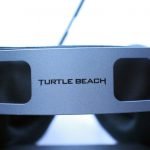

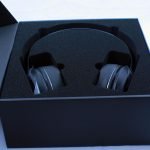
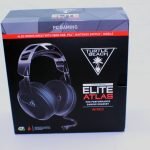
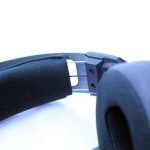
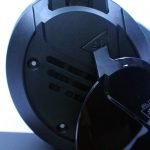


Turtle Beach Atlas Elite Gaming Headset

Likes
- Powerful 50mm drivers
- Built-in support for Windows Sonic and Dolby Atmos
- ProSpec comfort for glasses
- Removable side covers for easy customization
- Great gaming sound with minimal setup
- Removable Mic
Dislikes
- Without splitter, the cable is too short