
The Turtle Beach Atlas One Are A Serious Pair Of Cans For The Serious Gamer
Introduction
Hey everybody. Today I just received the Turtle Beach Atlas One Gaming Headphones to review for you gamers that want to get into the action like never before. I have to be honest with you and tell you that these are the first gaming headphones I’ve ever worn. This means that everything about them will be brand new to me.
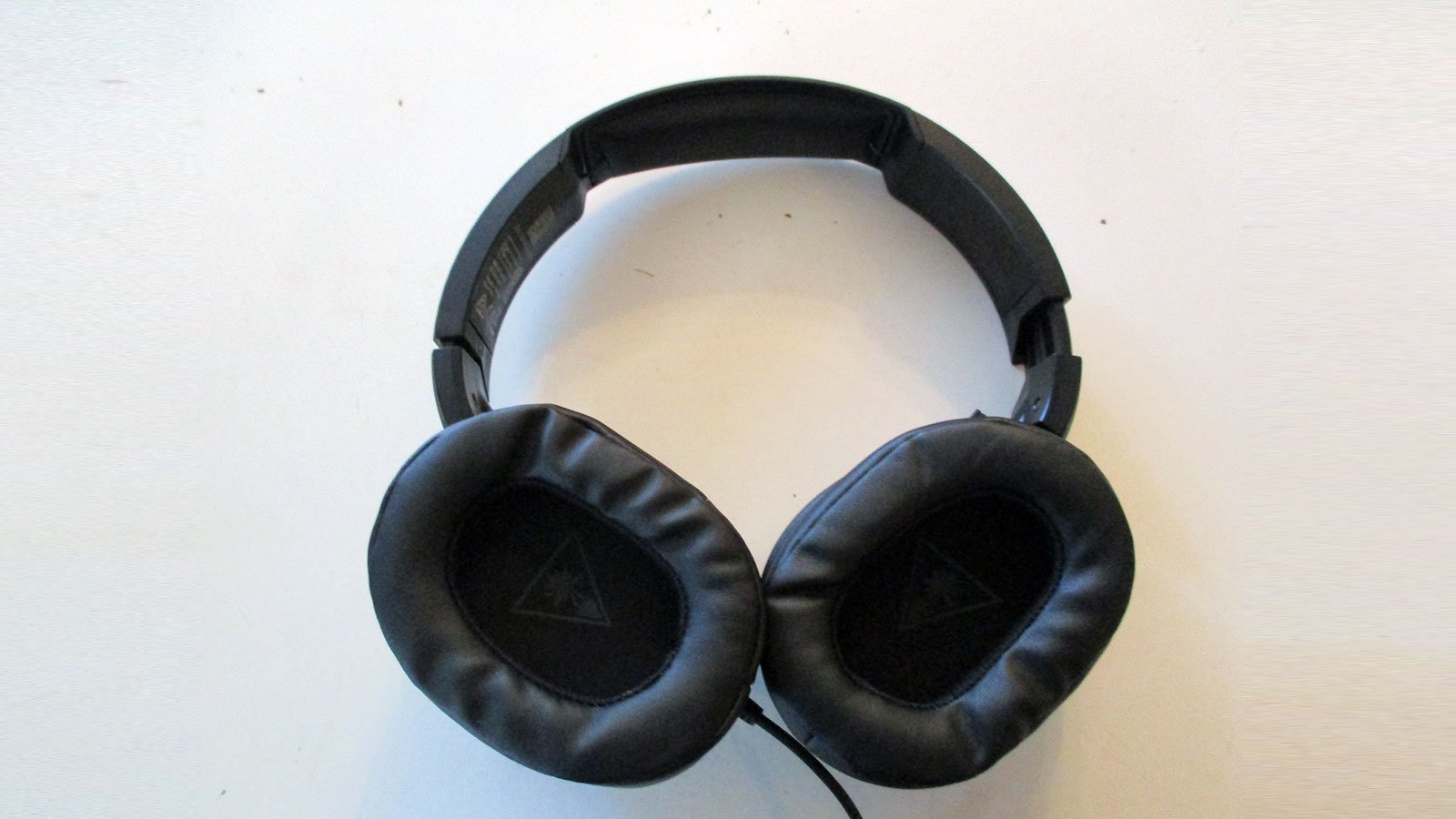
The Turtle Beach Atlas One is a very nice looking pair of headphones straight out of the box. They’re made with quality materials around the headband and the ear cushions. You won’t have any problems staying in the game with these headphones.
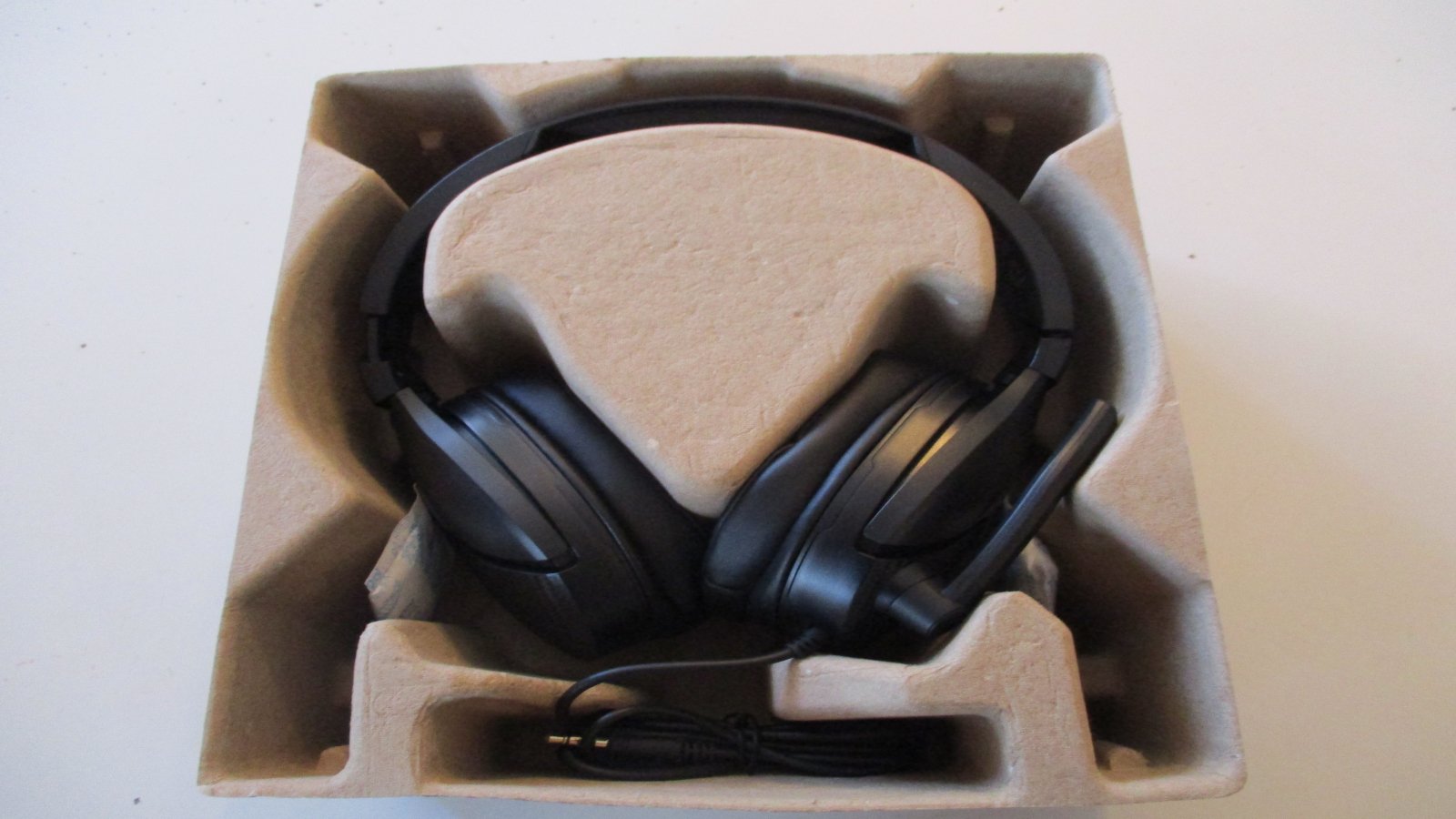
The Turtle Beach Atlas One Headphones were specially made for gamers and is compatible with the PC, Xbox One, PS4, PS4 Pro, Nintendo Switch and mobile devices. These headphones have plenty of platforms covered to get you into the heat of battle with your friends online.
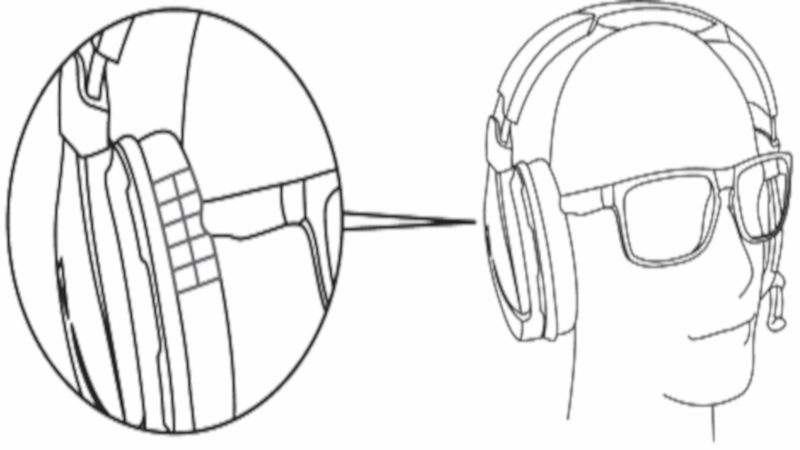
The Turtle Beach Atlas One uses cushions that were originally created for the Elite Pro Tournament Gaming Headset. This means that people with glasses will be able to wear them comfortably. The exclusive ProSpecs technology ensures that you’ll be comfortable the entire time you’re wearing the headphones while gaming. The volume control and mic are easy to reach to help keep you in the game.
The Turtle Beach Atlas One Comes With Everything You’ll Need
When you open the box for the Turtle Beach Atlas One Headphones, you’ll notice all the accessories that come with them to make sure you’re set when hooking them up to your computer.
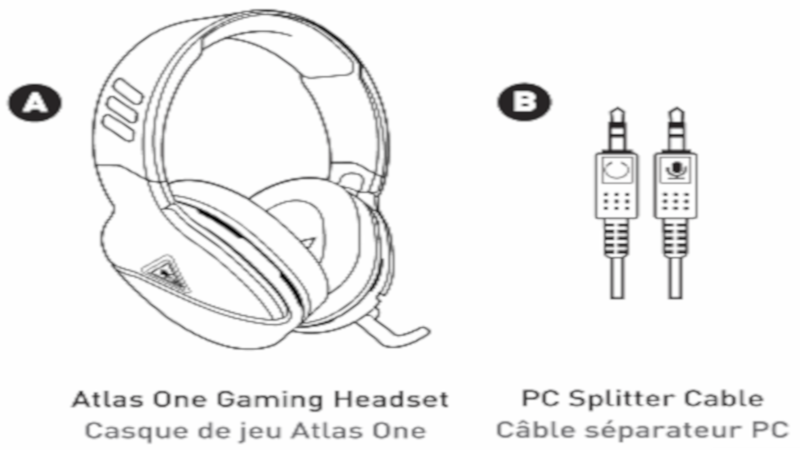
You get the headphones themselves along and a PC Splitter Cable. This lets your headphones be hooked up to the computer or gaming console as intended.
Specifications
Here’s a video from Turtle Beach on the Atlas One Gaming Headphones
You should go to the Turtle Beach website and register your headphones. The page to do that is right here. This lets you stay up to date with important information from Turtle Beach, including updates to your headphones. You also want to download the driver for the headphones which you can find here. This ensures the headphones have the latest drivers and are compatible with your Operating System right out of the box.
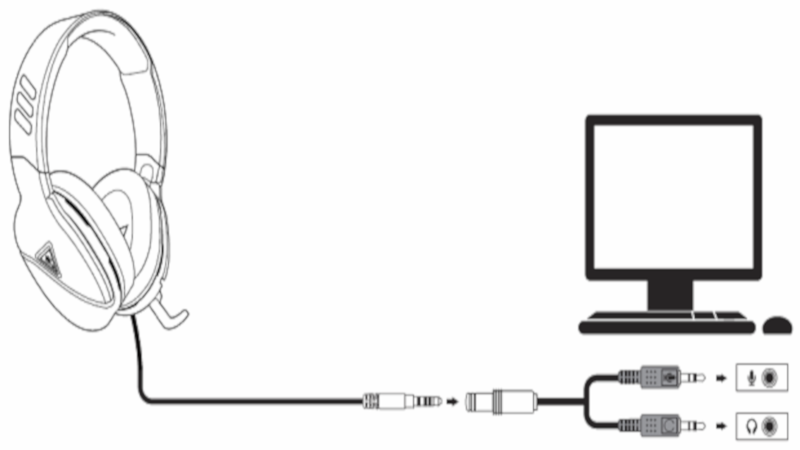
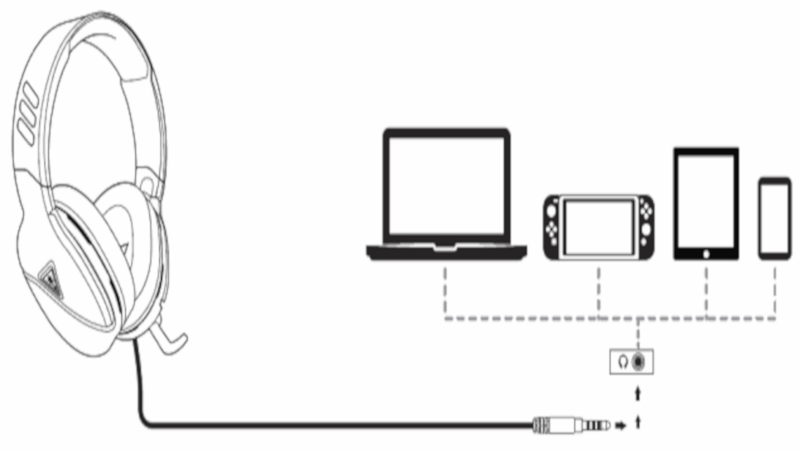
With that out of the way, I went ahead and connected the headphones to my PC. To connect them in your favorite console is as easy as plugging them right in. The manual that comes with the headphones gives you the instructions you need to set them up to your PC, Xbox One, PS4, PS4 Pro, Nintendo Switch and mobile devices. Plugging them in and setting them up was no problem. If you don’t have the manual you can even go to the Turtle Beach website and find the instructions in the Quick Start Guide.
Configuring Your Audio Is A Simple Process
You’ll want to bring up sounds in windows 10 to have audio playing from the front and back audio ports. It’s located in the taskbar. You need to click on Rear Stereo Mix next. Click on properties after that, then click on listen. In the listen to section, you’ll find a drop-down menu where you can click on headphones. Click on it and make sure to check the listen to this device box.
The Headphones Are Made For Comfort And Convenience
All of your audio ports should be working as intended now. Control over your audio is the ultimate convenience.
Testing
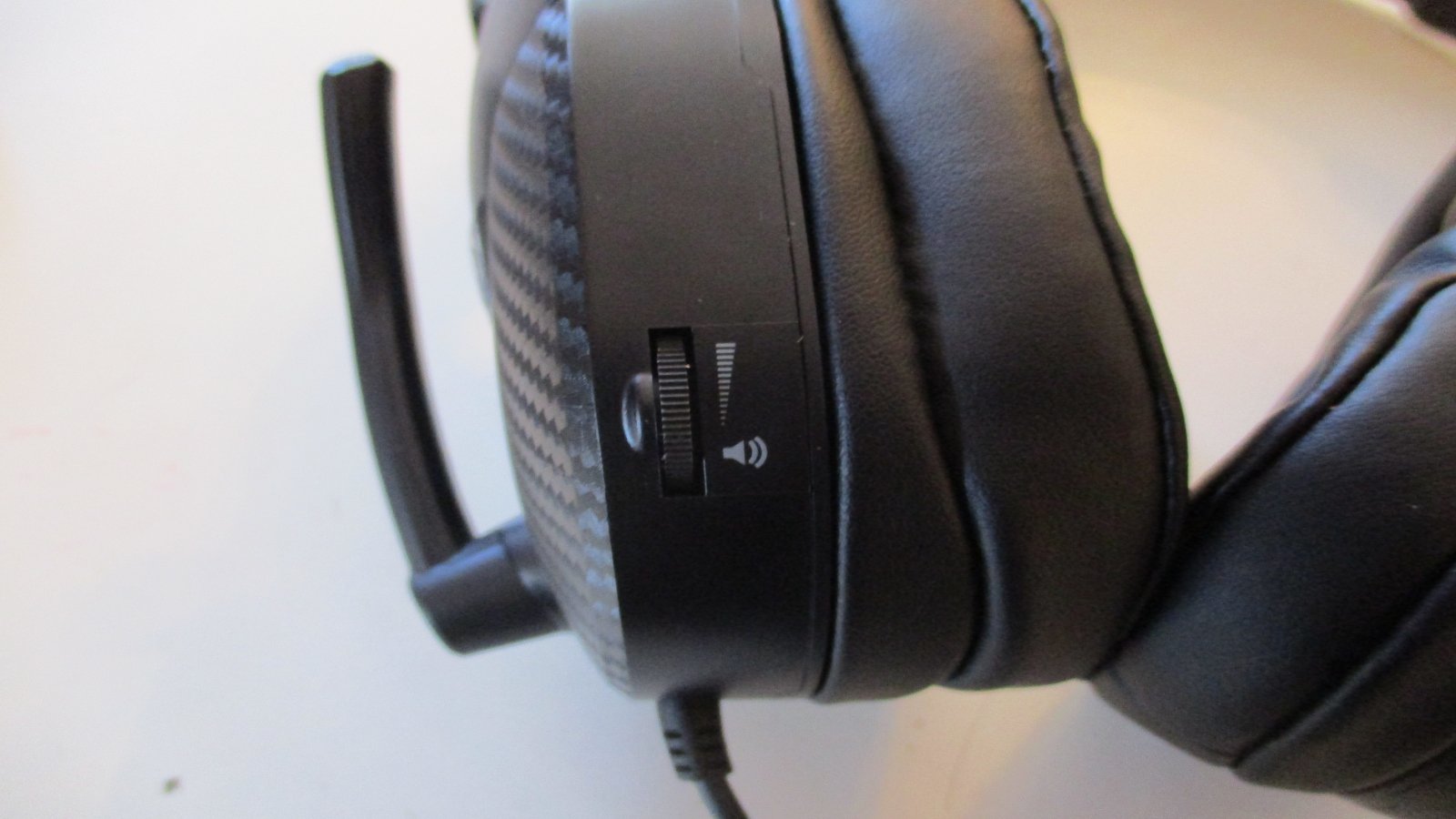
I plugged in the headphones and set them up to make it the most convenient for me. It’s time to test them out. I used Battlefield V for my initial test. First off, I needed to adjust the volume to enjoy everything going on in the game. I could instantly hear the surround sound with the headphones. These things are awesome!
You’ll Feel Like You’re Really Apart Of The Game With These Headphones
The game feels more immersive with the headphones on. The Virtual Surround Sound really makes gaming a treat for anyone using the headphones. Windows Sonic Sound will give you virtual 7.1 surround sound. I felt like I was right there with my comrades in Battlefield V. The cushions felt decent. I’m kind of hoping there’s a little burn in period for them thoguh. I hope they become a little more fitted for my head and ears. They’re comfortable thanks to the ProSpecs cushions. A little adjustment period is always needed for brand new headphones out of the box.
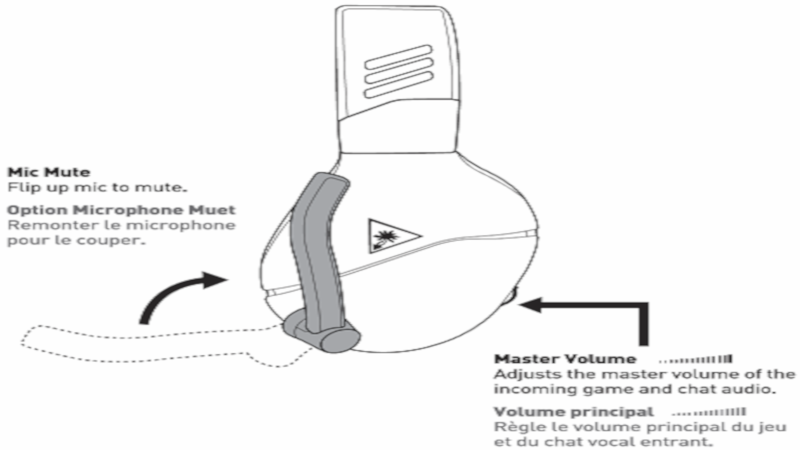
The Microphone Has A Clear Sound That Blocks Out Any Background Noise
My second test was to see how the mic sounded. The microphone gave me a clean sound with no background noise coming from the other end. It’s perfect for gameplay. You’ll feel just like one of your characters talking to your troops in the middle of a game.
The Verdict

These Headphones Are Absolutely Awesome!
These headphones give you the functionality you want with the microphone and volume control right there on the side of the headphones. My verdict with these headphones is that they’re AWESOME! I couldn’t believe the quality of sound that came from them. You know they’re made by professionals and are great quality all around. The cushions are comfortable, the headphones themselves fit great and most importantly, the sound is incredible!
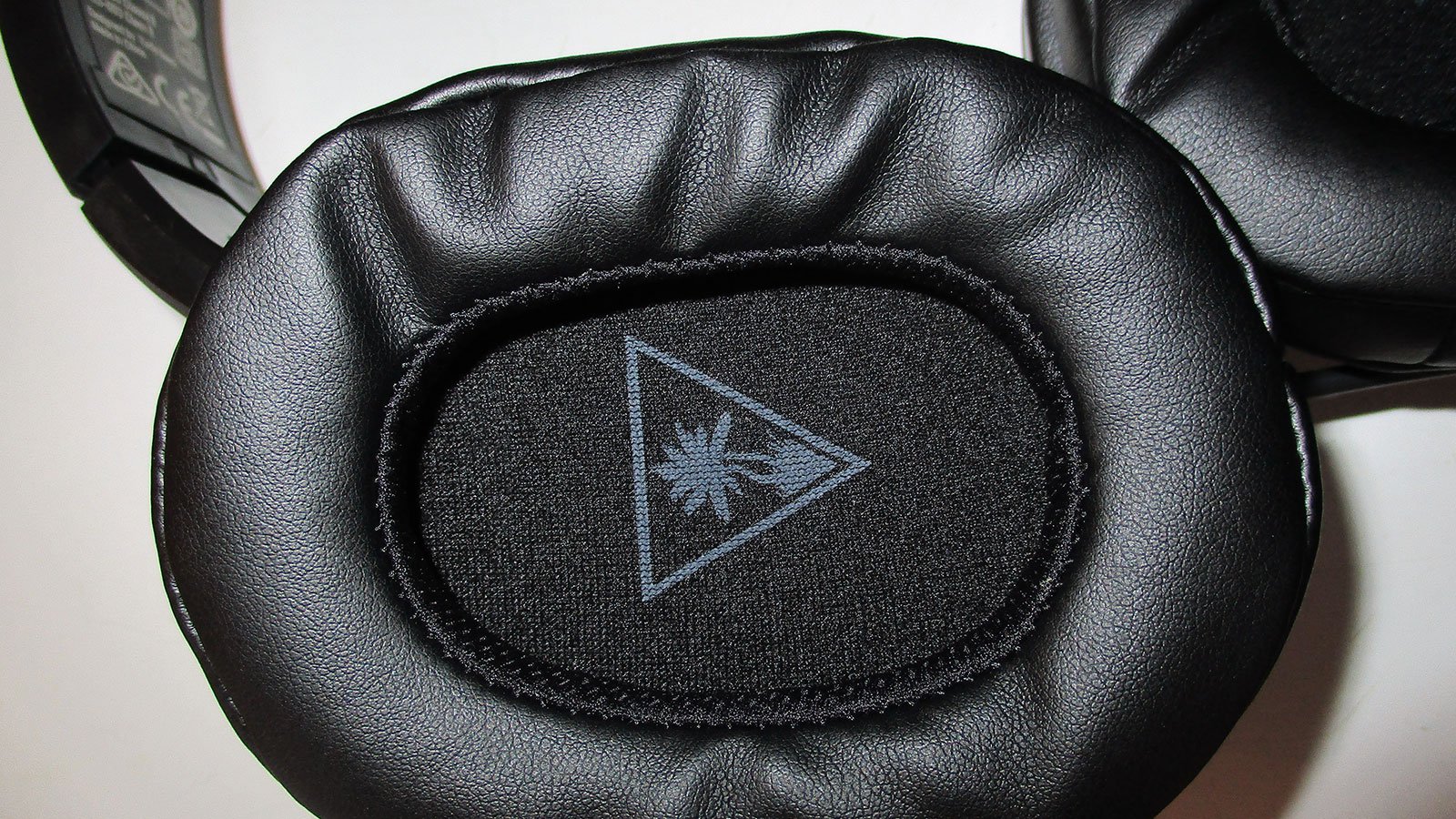
The Turtle Beach Logo stitched into the inner earpiece of the headphone is a nice touch to really help make them stand out and be uniquely theirs. Turtle Beach has done a really fantastic job in making headphones that gamers will love. If you’re looking for a pair of comfortable headphones that will keep you at the top of your game then you can get a pair of these at Amazon for $44.99 right now. That’s a really great deal for all of the advantages you get with these headphones.