
ModCrash Reviews the Turtle Beach Z300 Wireless Gaming Headset
Close up with the Turtle Beach Z300 Wireless Gaming Headset

Turtle Beach Z300 Wireless Gaming Headset Packaging
Inside the box reveals the real box that the Turtle Beach Z300 headset comes in that is worthy of display to show off.
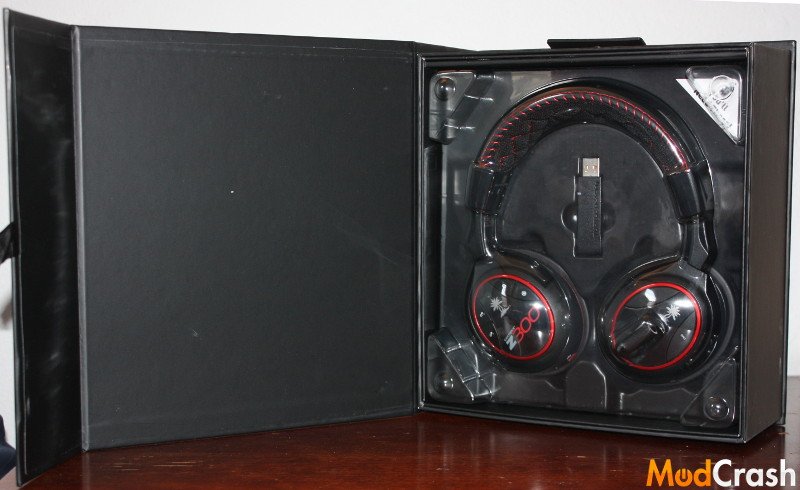
Turtle Beach Z300 Wireless Gaming Headset Packaging
The inside is neatly packages in plastic that shows everything you want and hides everything else underneath.
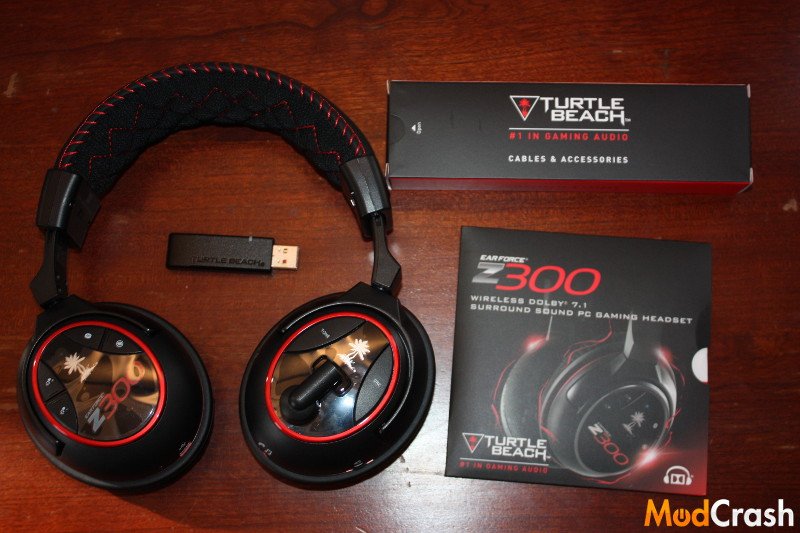
Turtle Beach Z300 Wireless Gaming Headset Contents
Inside the accessory box is the charging cord and the 2.5 mm to 3.5 mm cable for connecting to a mobile device.
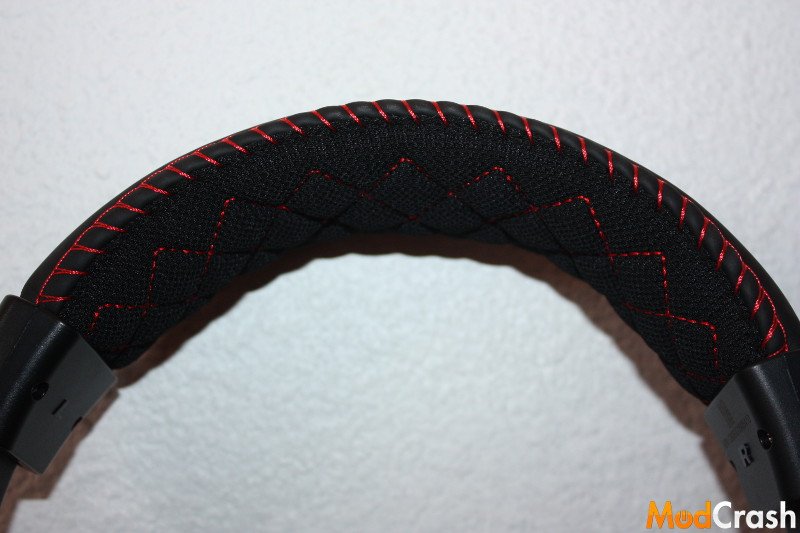
Turtle Beach Z300 Wireless Gaming Headset Headband
Headband comes with very nice red stitching with ample cushioning.
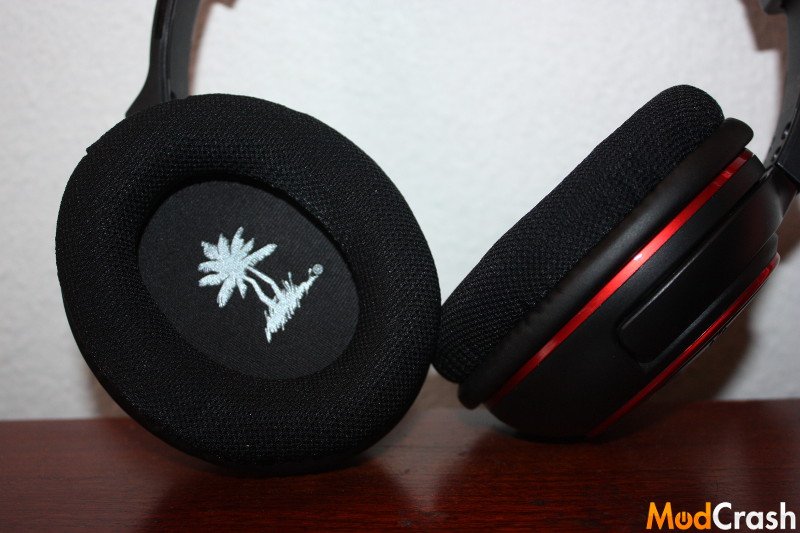
Turtle Beach Z300 Wireless Gaming Headset Ear Cups
Once again the build quality is on display from Turtle Beach as well as the cushioning. The shell of the Z300 headset is made of plastic.
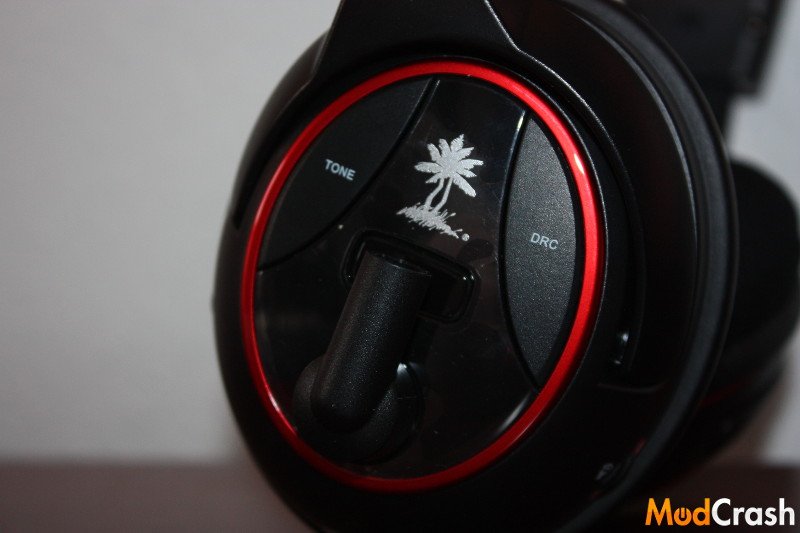
Turtle Beach Z300 Wireless Gaming Headset Left Ear Cup
The buttons on the cups have a slightly different feel than the rest of the headset body but you have to memorize the buttons as they don’t have any identifying markers to set them apart except for the power button.
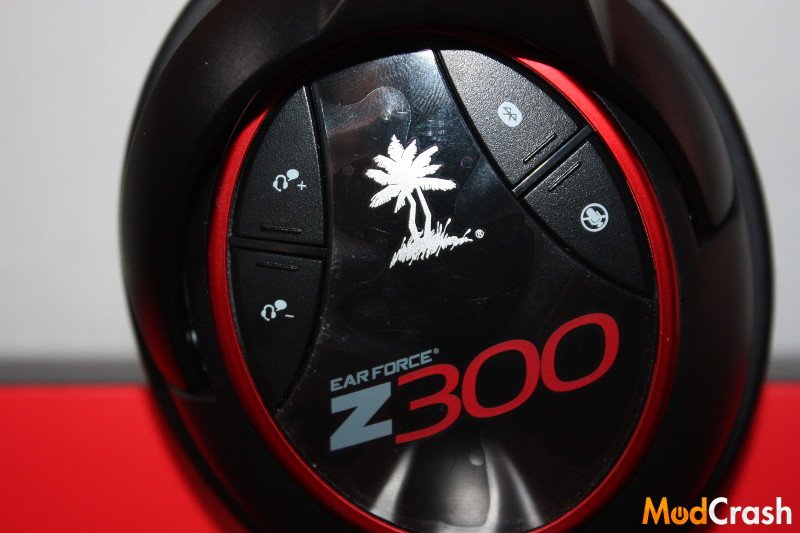
Turtle Beach Z300 Wireless Gaming Headset Right Ear Cup
You can see the buttons have a different texture than the rest of the body except this time they have a raised edge to help distinguish them. I honestly would of liked a better way to tell them apart by feel such as t “+” for mic volume up but I can’t fault Turtle Beach since they go for aesthetics as well as functionality. Memorizing a couple buttons after you use it for awhile isn’t a big deal and after about a week of use it became second nature to me to press the correct button without having to look at it.
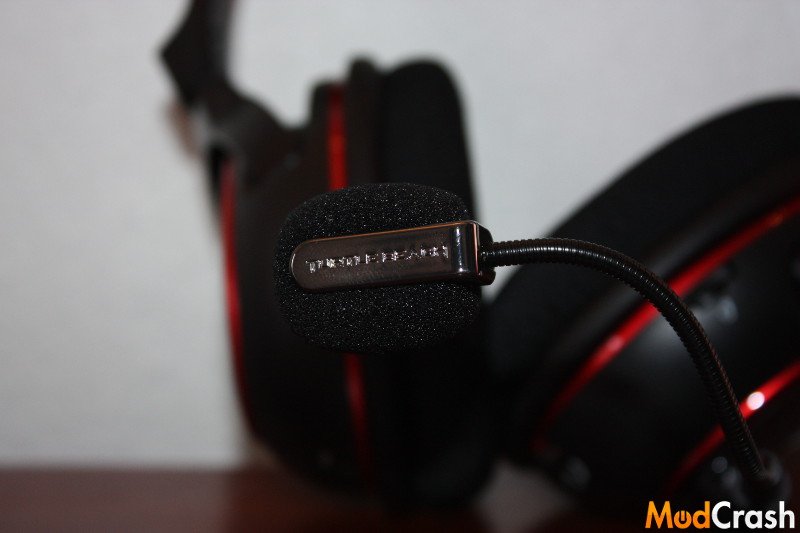
Turtle Beach Z300 Wireless Gaming Headset Microphone
The picture above is just to give an idea about the flexibility of the microphone. The Microphone boom is detachable also.
Head over to the next page for an in depth explanation of all the Turtle Beach Z300 headset buttons!
They sound great
Sounds great for a wireless set! I’ve always wondered at the quality difference between wired vs wireless with the same hardware/capabilities. As far as quality, would you say the wireless holds its own against wired?