
In Depth Look at the Noctua NH-L9a CPU Cooler
When you open up the box to the NH-L9a cpu cooler you notice that everything has its own place and is packaged very nicely. Noctua is probably one of the best companies that combine both the presentation of their product to go along with the quality.
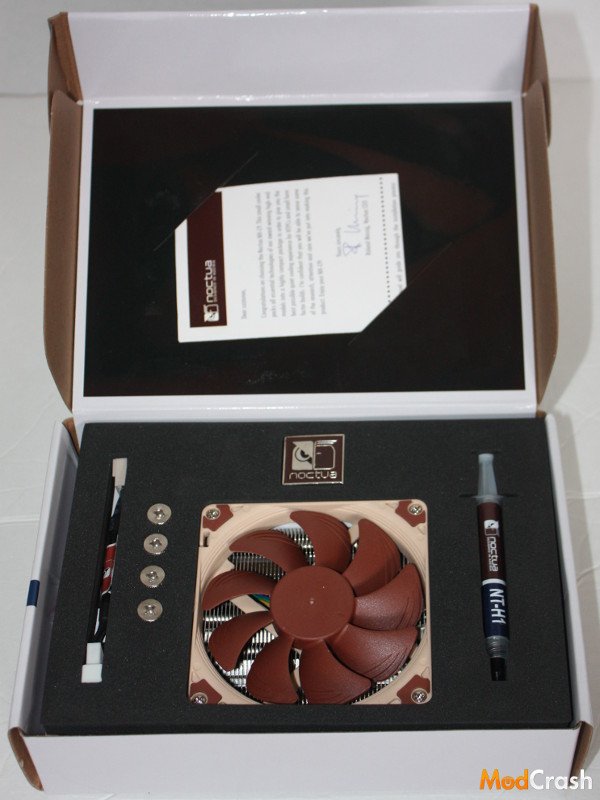
Noctua NH-L9a CPU Cooler
Hidden underneath the top are a few more items you might need to use this cooler. As you can see it comes with everything you need except the Phillips head screw driver which they do include in their other CPU coolers such as the NH-U14S and NH-U12S.
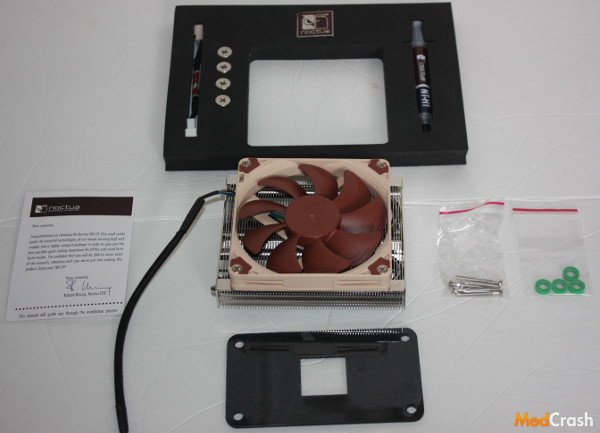
Noctua NH-L9a CPU Cooler
This is Noctua low profile cooler. While you can read that it is only 23 mm or 37 mm tall it doesn’t do it justice until you put something next to it for comparison. I choose a bottle cap since everyone has seen a million of them and know about how big they are (That and I couldn’t get a quarter to stand by itself). You can see though that even with the fan this CPU cooler is maybe 3 bottle caps high and would fit perfect into any small form factor case.
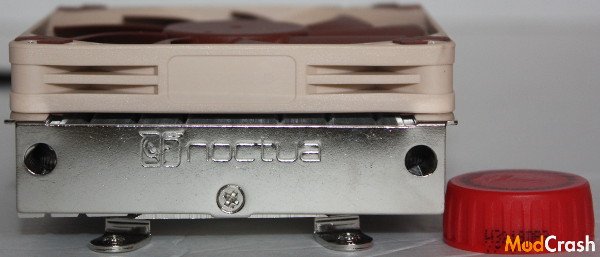
Noctua NH-L9a CPU Cooler
Here I just wanted to show the side view in an upright position.
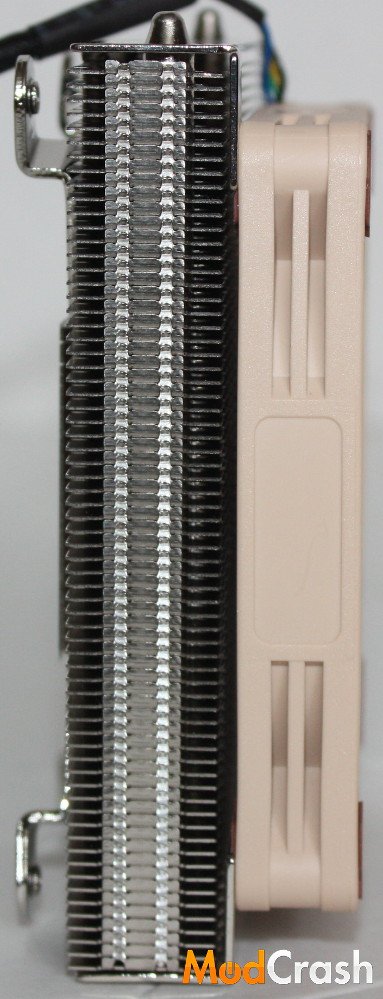
Noctua NH-L9a CPU Cooler
With its 92 mm fan that comes included I love how it actually screws into the heatsink. While I don’t mind the normal mounting system I do like knowing that this fan is very secure and is not going anywhere.
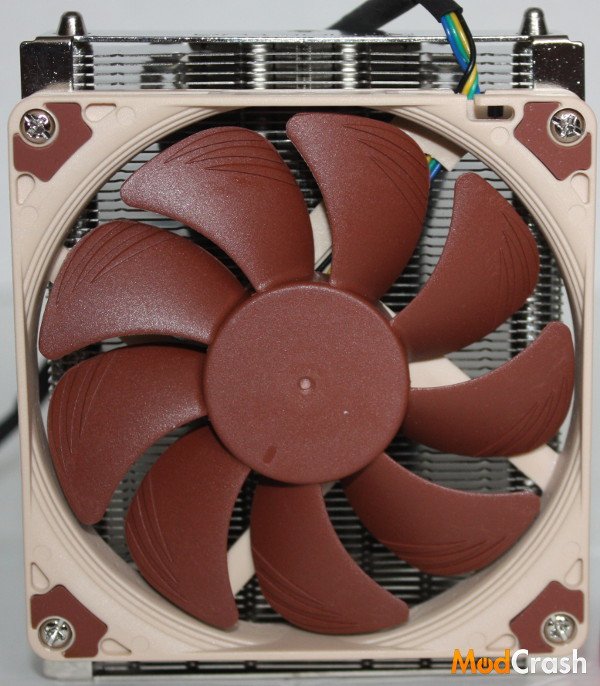
Noctua NH-L9a CPU Cooler
I particularly like this picture as you can see how the heat pipes are actually ran though the heatsink fins.
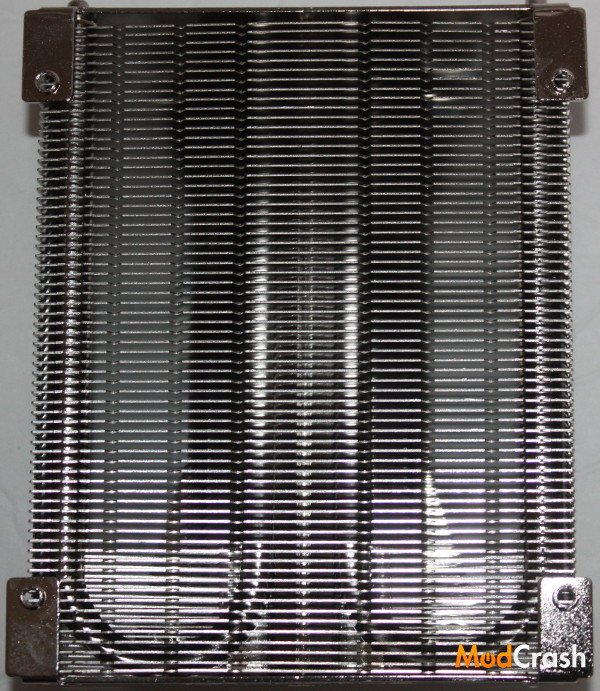
Noctua NH-L9a CPU Cooler
I wanted to show the bottom and the mounting gear you could be working with if you bought this CPU cooler.
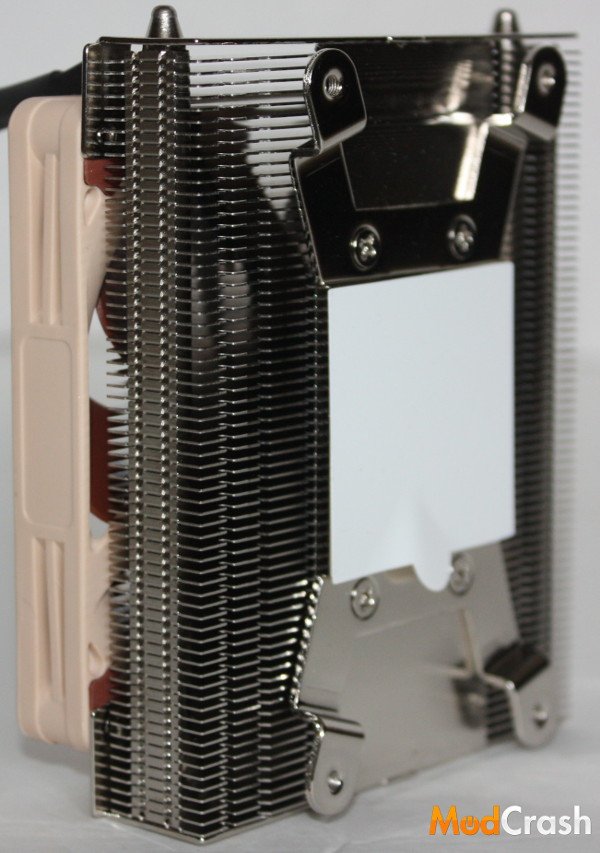
Noctua NH-L9a CPU Cooler
Noctua NH-L9a Installation
Installation of the NH-L9a is pretty straightforward but can be slightly difficult. When I installed this CPU cooler I choose to use the spacers instead of the back plate since it made the installation process easier. Either can be used but depending on your motherboard you may have to use the spacers only.
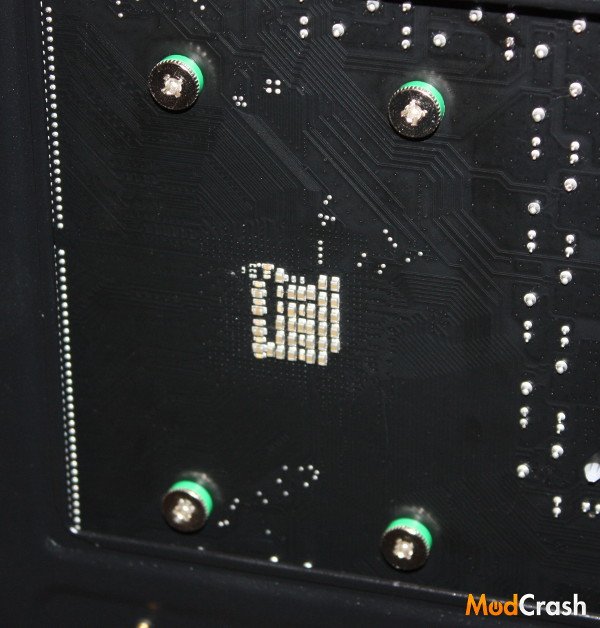
Noctua NH-L9a CPU Cooler
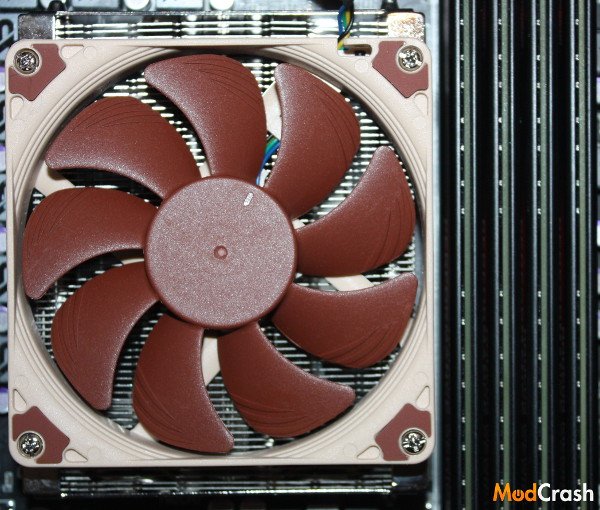
As you can see when installed it fits very nicely.
Noctua NH-L9a CPU Cooler